188 kr
Skickas inom 7-10 vardagar
188 kr
Skickas inom 7-10 vardagar
290 kr
Skickas inom 3-6 vardagar
189 kr
Skickas inom 7-10 vardagar
172 kr
Skickas
120 kr
Läs direkt efter köp
A practical guide to taking control of your mental health for today, tomorrow, and the days after, from the #1 New York Times bestselling author and beloved entertainer.
‘There’s a moment at the end of every day, where the world falls away and you are left alone with your thoughts. A reckoning, when the things you have been pushing to the background, come forward and demand your attention.’
Written by Daniel Howell, in consultation with a qualified psychologist, in an entertaining and personal way from the perspective of someone who has been through it all—this no-nonsense book gives you the tools to understand your mind so you can be in control and really live. Split into three chapters for each stage of the journey:
This Night - how to get through your toughest moments and be prepared to face anything. Tomorrow - small steps to change your thoughts and actions with a big impact on your life. The Days After - help to look after yourself in the long term and not just survive, but thrive.
You will laugh and learn—but most of all, this book will assure you that even in your darkest times, there is always hope.
You will get through this night.
213 kr
Skickas
180 kr
Läs direkt efter köp
253 kr
Skickas inom 3-6 vardagar
245 kr
Läs direkt efter köp
177 kr
Skickas
187 kr
Kommande
775 kr
Läs direkt efter köp
358 kr
Läs direkt efter köp
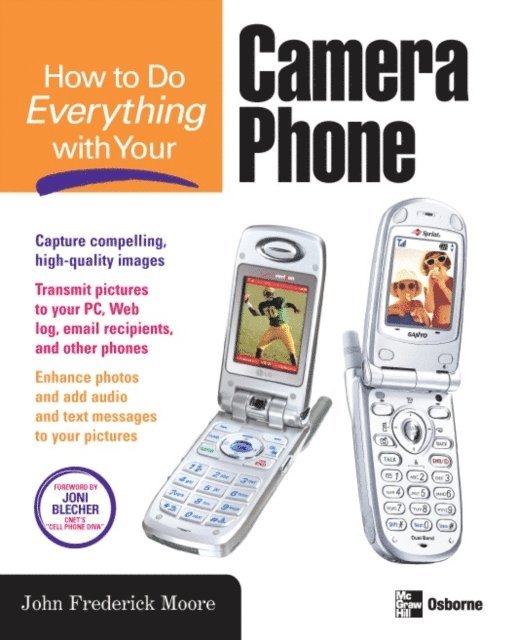
Transform unexpected moments into recorded history with the convenience of your camera phone and help from this hands-on guide. Loaded with easy-to-follow instructions and plenty of illustrations, this book will help you take better pictures, edit and enhance images, and transmit photos to your PC, the Web, other mobile phones, and email buddies. Improve your photography techniques with great advice on framing, lighting, depth of field, self portraits, action shots, and more. Print your favorites easily, and even set up a free Website where you can share your images and thoughts with the world.
Unlock the power of your camera phone and take full advantage of all its features--basic and advancedTransmit your photos anywhere easily--to your PC, email buddies, other phones, and Web sitesAdjust color and lighting like a pro, crop images, and fix flaws with low-cost and easy-to-use image editing softwareTake well-composed pictures--including better self-portraitsGet easy-to-follow tips on storing, editing, and printing your photosCompare various camera phone brands and mobile phone carriersCapture high-quality camera phone videoSend instant greeting cards and caller ID photos, create your own camera phone Weblog, and moreUnderstand privacy, security, and copyright issues405 kr
Läs direkt efter köp
954 kr
Läs direkt efter köp
688 kr
Läs direkt efter köp
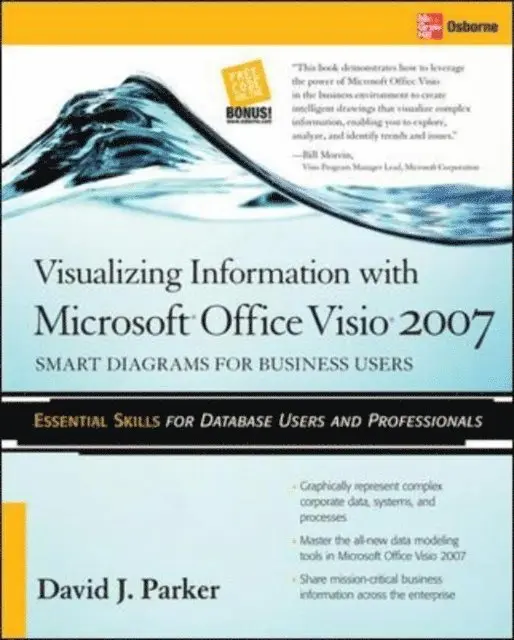
Create and distribute data-connected Microsoft Office Visio diagrams and reports
Get full details on the powerful features of Microsoft Office Visio 2007 inside this comprehensive volume. Written by Visio expert David Parker, Visualizing Information with Microsoft Office Visio 2007 demonstrates how to effectively visualize, explore, and communicate complex business information. Learn to use PivotDiagrams, Data Graphics, and Smart Tags, as well as link data to shapes and create meaningful Visio documents and reports. Plus, you''ll get vital security information, time-saving tips, troubleshooting techniques, and downloadable macros and code samples.
Essential Skills for Database Users and Professionals
Create shapes and link them to dataSummarize and analyze information using PivotDiagramsUse Data Graphics, Smart Tags, and SmartShapes to reinforce informationGenerate robust Excel, HTML, and XML reportsCreate custom, reusable templates, stencils, and mastersUpdate and enhance diagrams with Reviewer''s comments and markupsIntegrate Visio diagrams with other Windows applicationsPublish and securely distribute Visio documents and summariesExtend functionality using VBA macros, add-ins, and wrapper applications1 036 kr
Läs direkt efter köp
Build and maintain a converged multimedia network environment
Seamlessly merge the Internet with cellular and wireless networks using next-generation IMS technology and the comprehensive information contained in this authoritative resource. The IP Multimedia Subsystem: Session Control and Other Network Operations details the steps necessary to deliver Web-based content, VoIP, streaming multimedia, conference calls, and text messages across one integrated network. Learn how to transition to IMS architecture, communicate with legacy networks, control sessions using SIP, and connect subscribers to network services. In-depth coverage of the latest IMS security, business intelligence, customer care, and billing procedures is also included.
Migrate legacy networks to IMS-based technologyUse the Proxy, Interrogating, and Serving Call Session Control FunctionsInterface with TDM-based, wireless, wireline, and VoIP networksHandle private and public user identities, domain names, and URLsEstablish SIP sessions and connect subscribers to network servicesDeploy reliable network, access, and user-level securityPrevent eavesdropping, DoS, message tampering, and amplification exploitsTrack services rendered and charge subscribers using DIAMETER and CDRs512 kr
Läs direkt efter köp
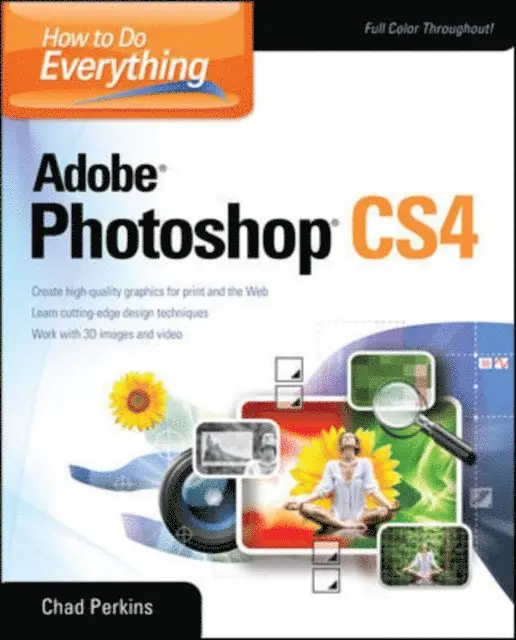
Master Adobe Photoshop CS4
Filled with full-color examples, this hands-on guide explains how to use the latest release of the industry standard program for graphics professionals. How to Do Everything: Adobe Photoshop CS4 takes you step-by-step through the process of bringing your creative concepts to completion. Real-world examples reveal how cutting-edge design techniques are achieved. With this book, you''ll learn how to use all the program''s tools and settings to create and edit compelling images for print, the Web, and animation.
Manage and customize the interface Create, manage, and blend layers and apply layer stylesWork with color, brushes, painting tools, gradients, and vector shapesPick pixels with selectionsEdit, repair, and enhance images and Camera Raw filesTransform objects without degrading image qualityCreate and format textUse the 3D and video features of Photoshop ExtendedApply special effects with filters, warping, and texturesOptimize your work for print, the Web, and mobile devicesSave time using automation tools614 kr
Läs direkt efter köp
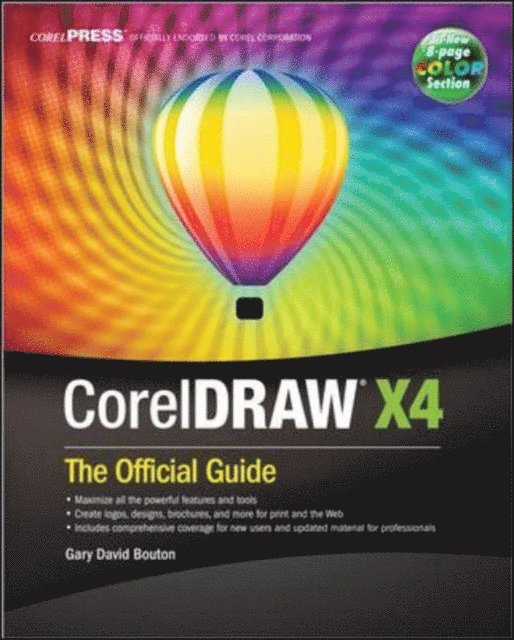
The Only Corel-Authorized Guide to CorelDRAW X4
Create fine art and commercial graphics with one powerful tool! CorelDRAW X4: The Official Guide shows you how to get a visual message across with impact and style; edit photos; build captivating layouts; and compose scenes in a clean, attention-getting style. Learn how to illustrate like the pros, justify and flow text around shapes, and truly understand digital color. You''ll also discover how to create 3D objects, apply special effects, and integrate different media to build outstanding graphics. Packed with expert tips and techniques for creating professional-level art, this is your one-stop CorelDRAW X4 resource.
Create drawings that mimic traditional oils and acrylics using Artistic Media, Smudge, and Roughen brushesLay out complete page designs with layers, multi-page options, and preset page and label templatesImport and format text, flow text around illustrations, and add drop capsUse CorelDRAW as a desktop publishing programImport and edit digital photos, including camera RAW files, and incorporate them into your designsAdd special effects to your illustrations including dynamic lens effects and transparencyCreate 3D objects with the Extrude toolIncludes an all-new 8-page full-color section
307 kr
Läs direkt efter köp
Tap into every feature of your Nexus One
This hands-on guide shows you how to maximize the powerful Android superphone and its integrated phone, email, and web access functionality. How to Do Everything: Nexus One covers all the revolutionary capabilities, including voice recognition and the 5 megapixel camera, as well as built-in Google services like Google Voice, Gmail, Google Maps with turn-by-turn navigation, and Google Earth. Get tips for customizing your device, managing contracts, texting, shooting video, downloading apps, playing music, and much more. This one-stop resource covers it all!
Take advantage of all Nexus One and Android appsConnect to data and voice networks, including Google VoiceMake calls and send text and multimedia messagesMaster the hardware and software controls, including voice recognitionDesign your home screen and get appsLoad and manage contactsUse Gmail and email, set up accounts, and chat with Google TalkBrowse the web with Google ChromeGet spoken turn-by-turn directions with Google Maps NavigationSnap photos and capture videosLoad and play music941 kr
Läs direkt efter köp
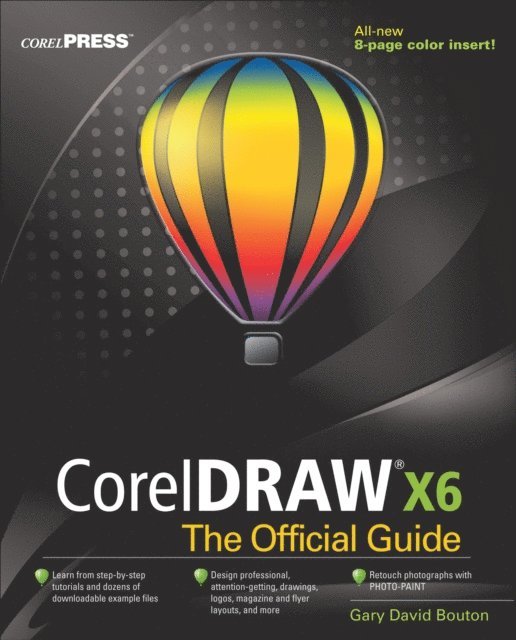
The only official guide to CorelDRAW—fully updated throughout to cover all the new features of the latest release
CorelDRAW X The Official Guide is the one-stop tutorial/reference for learning how to create gorgeous graphics for a variety of print and web uses. Veteran graphic designer and author Gary Bouton shows you how to use the new product features, and shows off beautiful graphics and techniques in this Corel-authorized guide. Packed with examples and techniques, this book delivers details no CorelDRAW user can afford to be without!
Ideal for beginners through experts getting started on the new release, the book explains how to install the software, use the illustration and drawing tools, work with text, apply colors, fills, and outlines, apply special effects, and work in 3D.
CorelDRAW X The Official Guide
Offers hundreds of tips, tricks, and shortcuts that show how to get the most out of product features, not just what the features doIncludes online access to 30+ video tutorials of hands-on instruction from the author, plus CorelDRAW native files, stock images for tutorials in Corel PHOTO-PAINT, custom typefaces designed by the author, and other useful starter pieces for learning CorelDRAWIncludes a full-color insert demonstrating results of various filters and effectsProvides a comprehensive CorelDRAW X reference as well as drawing tips and illustration techniquesDiscusses print and web use and potential issuesExplains how to use PHOTO-PAINT, Corel’s image-editing tool356 kr
Läs direkt efter köp
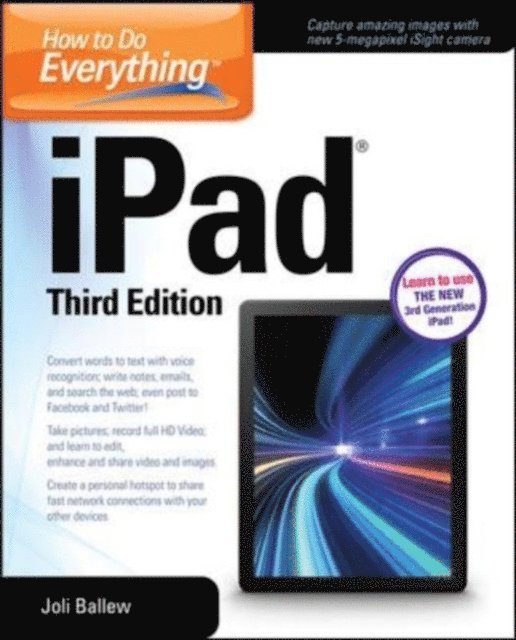
Tap into the power of the third-generation iPad!
Get the most out of the faster, more streamlined iPad with help from this practical guide. How to Do Everything: iPad, Third Edition gets you started using all the revolutionary new features right away, such as the stunning Retina display, the 5-megapixel iSight camera, and the ultrafast 4G LTE wireless technology. Learn how to customize your iPad, access the Internet, use Mail and Safari, video chat with FaceTime, connect to social networks, and sync and back up your data. Download apps, music, movies, and more, take photos and video, use iCloud, and manage all of your content with ease.
Configure, customize, sync, and back up your iPadConnect to Wi-Fi networks and access the webSet up Mail and integrate with other email accountsInstall iBooks and download selections from the iBooks libraryRead newspapers and magazines and connect to social networksDownload cool apps from the App Store and incorporate Game CenterUse the Music app to create playlists and stream music over a networkDownload movies, TV shows, music, podcasts, and audiobooks from the iTunes StoreTake great photos with the new 5-megapixel iSight cameraShoot video with HD video recorderVideo chat using FaceTimeManage your contacts and scheduleNavigate with Maps307 kr
Läs direkt efter köp
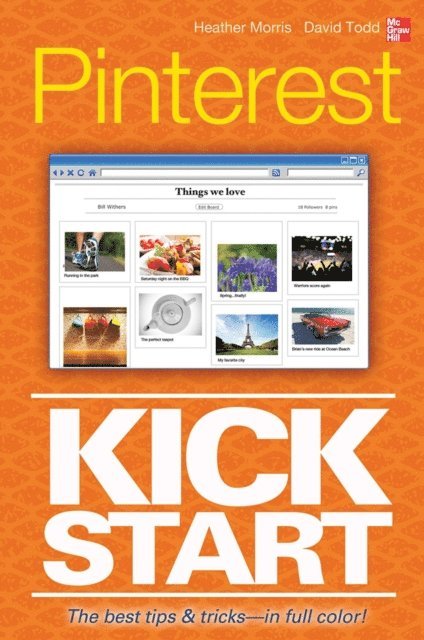
Full-color, concise coverage of Pinterest—the wildly popular virtual pinboard
With Pinterest Kickstart, you can kick back and start enjoying the cool features of the unique social networking site that connects you to other users worldwide based on shared tastes and interests. This handy, full-color guide provides you with a quick deep dive into Pinterest—what it is and how to use it; practical projects for individuals and groups; and some advanced techniques. The chapters move you quickly through initial set up to exploring the most popular Pinners to finding other appealing boards to creating your own boards.
See how it’s done with tons of color screenshots that offer the same experience you’ll see onscreen25+ project ideas of different kinds of boards—grouping décor ideas; planning and documenting home improvement projects; planning an event and organizing guests and vendors; fundraising for a non-profit; collecting genealogy information; and moreGet undocumented strategies and solutions from “Now You Know” sidebarsLearn ways to use Pinterest for your businessTake this portable guide anywhere369 kr
Läs direkt efter köp
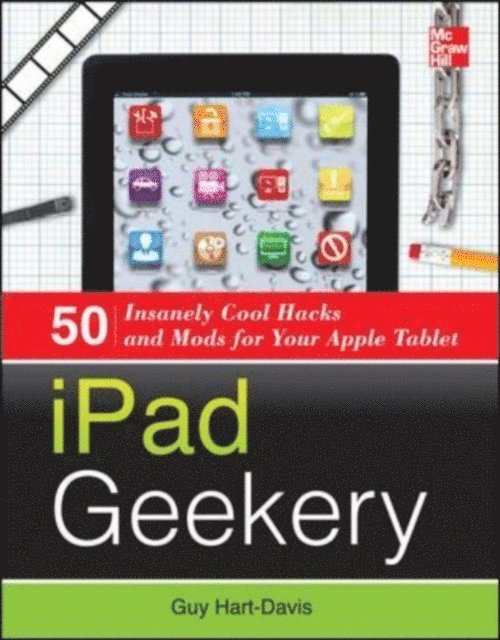
Take your iPad to its limits--and way beyond
You''ve already mastered iPad essentials. Now, become a bona-fide power-user and transform your iPad into a media center, gaming device, photo and video camera, document editor, and high-powered computer. Through easy-to-follow instructions and illustrations, iPad Geekery: 50 Insanely Cool Hacks and Mods for Your Apple Tablet teaches you these expert tricks. You''ll also find out how to secure your iPad, protect your personal information, and install apps from any source.
Get your geek on! Learn how to:
Use your iPad as your home and car stereoPack your iPad with high-quality music files and share them with othersUse your iPad as your backing band, your recording studio, and even fix your off-key singingWatch DVDs, stream videos, and show content on your TVTake captivating photos and make professional-grade filmsPlug in a keyboard and use your iPad as your main computerCreate Word, Excel, PowerPoint, and PDF filesTroubleshoot problems and restore your iPad to factory settingsKeep your data secure no matter where your iPad goesConnect to your personal or company networkBack up, unlock, and "jailbreak" your iPad348 kr
Läs direkt efter köp
1 037 kr
Läs direkt efter köp
Publisher''s Note: Products purchased from Third Party sellers are not guaranteed by the publisher for quality, authenticity, or access to any online entitlements included with the product.
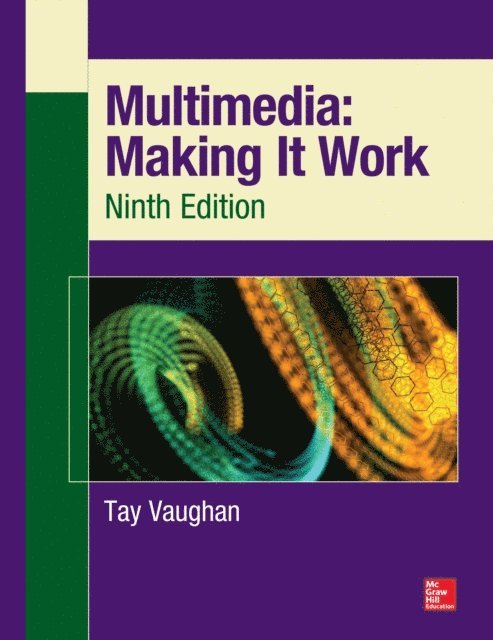
The Most Complete, Up-to-Date Multimedia Guide
Thoroughly updated to cover the latest technologies, including mobile multimedia, this full-color resource prepares you for a successful multimedia career by teaching you the fundamental concepts and required skills. Multimedia: Making It Work, Ninth Edition explains how to integrate text, images, sound, animation, and video into compelling projects. Multimedia project planning, costs, design, production, talent acquisition, testing, and delivery are also discussed. Chapter-ending quizzes reinforce key concepts and hands-on lab projects allow you to apply your new skills.
Learn how to:
Master the essential elements of multimedia, including text, images, sound, animation, and videoIncorporate bitmap, vector, and 3-D imagesRecord and edit digital audio and use MIDICreate computer-generated animationsShoot and edit digital videoSelect the best hardware, software, and authoring tools for your projectDetermine the scope and cost of a multimedia project n Design, produce, and test your projectAcquire the best content and talent for your budgetDesign dynamic Web contentCreate apps for mobile devices, including tablets, readers, and smartphonesDeliver multimedia over the Internet, in an app store, and on CD-ROM and DVDEach chapter includes:
Learning objectivesFull-color illustrations and screenshotsHelpful notes, tips, and warningsChapter summaries and key term listsEnd-of-chapter quizzes and lab projectsThis book is intended for students enrolled in an instructor-led course and does not provide correct answers for the end-of-chapter quizzes or access to the instructor''s resource materials. If you are an instructor, please contact your McGraw-Hill sales representative for details.887 kr
Läs direkt efter köp
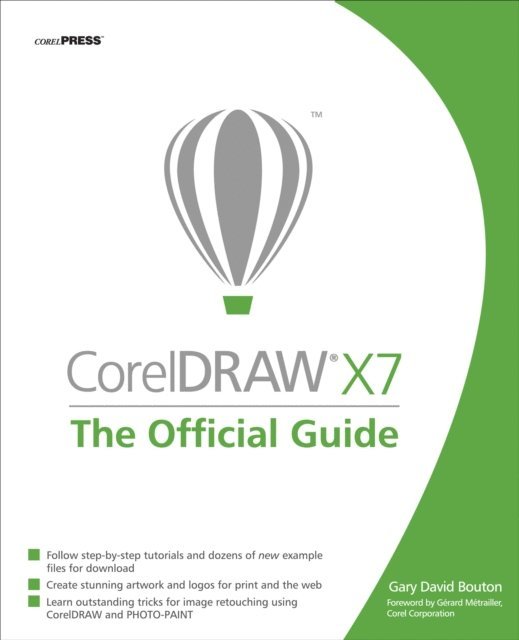
The Only Corel-Authorized Guide to CorelDRAW X7
CorelDRAW X7: The Official Guide shows you how to create photorealistic illustrations, lay out text and graphics, import and edit photos, add special effects to vector art and photos, and transform 2D objects into 3D artwork. You''ll also get expert tips for printing work that matches what you''ve designed on your monitor. Step-by-step tutorials based on downloadable sample files let you learn by doing. Explore and master CorelDRAW''s menus, palettes, and dockersAdd Paragraph Text, Artistic Text, and custom-shaped text to your designsExplore the new Content Exchange for access to new, exciting patterns and other fillsCreate the illusion of 3D objects with the Perspective and Extrude toolsDramatically edit objects with the Smear, Twirl, Attract, Repel, and Distortion toolsAdd elements of photorealism to your drawings with lens effects, transparency, shadows, glows, and bevelsCombine photos with vector graphics in CorelDRAW, and perform advanced editing in PHOTO-PAINT982 kr
Läs direkt efter köp
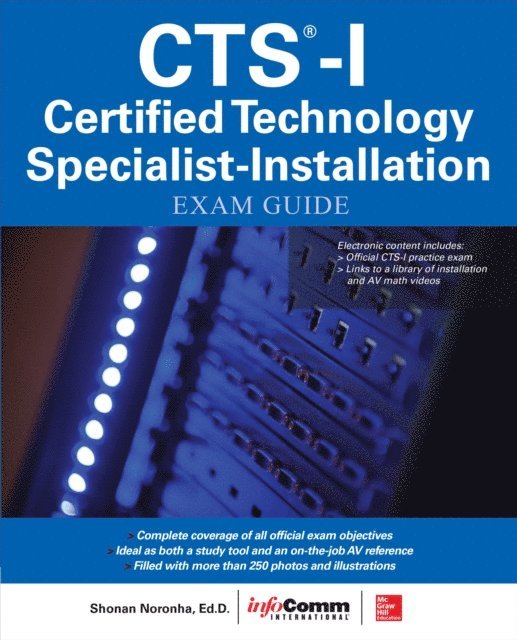
The Most Complete CTS-I Exam Study System
Published with InfoComm International, CTS-I Certified Technology Specialist-Installation Exam Guide provides comprehensive coverage of all exam objectives on the leading internationally recognized certification for audiovisual installation professionals. Each chapter features learning objectives, best practices, diagrams, photos, and chapter review questions with in-depth explanations. Designed to help you prepare for the CTS-I exam, this authoritative resource also serves as an essential on-the-job reference.
Covers all CTS-I exam objectives, including how to:
Manage an AV projectInterpret audiovisual documentationConduct pre-installation activitiesRoute, pull, and terminate cableMount AV equipmentBuild and wire racksInstall audio systemsInstall video systemsVerify systemsWork with networksPerform system closeoutElectronic content includes:
Official CTS-I practice examLinks to a library of installation and AV math videos369 kr
Läs direkt efter köp
540 kr
Läs direkt efter köp