
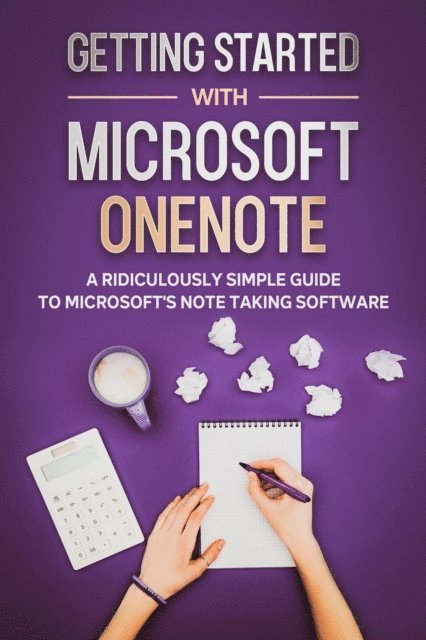
E-bok
Engelska39 kr
Läs direkt efter köp
39 kr
Läs direkt efter köp
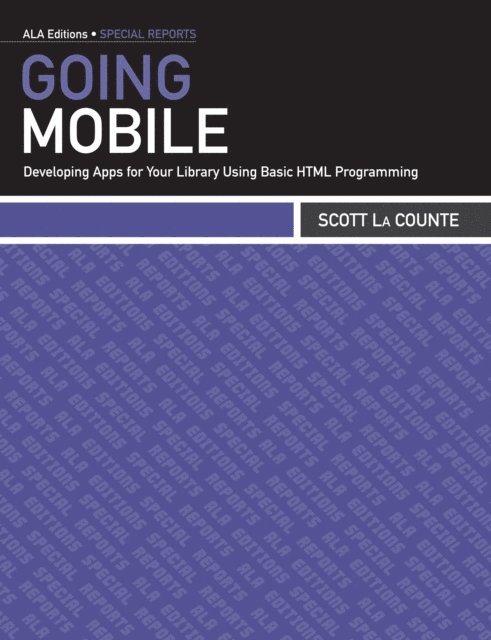
557 kr
Läs direkt efter köp
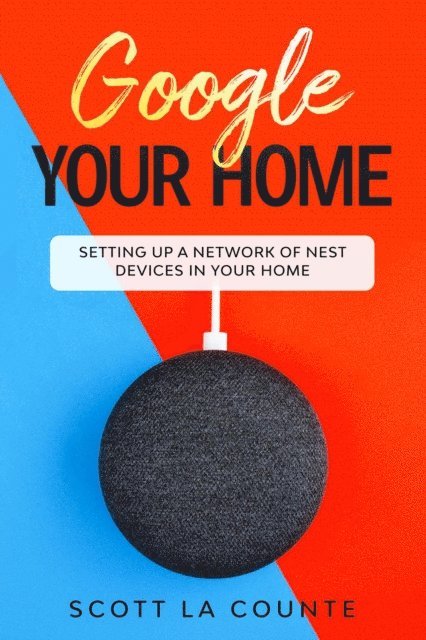
104 kr
Läs direkt efter köp
156 kr
Läs direkt efter köp
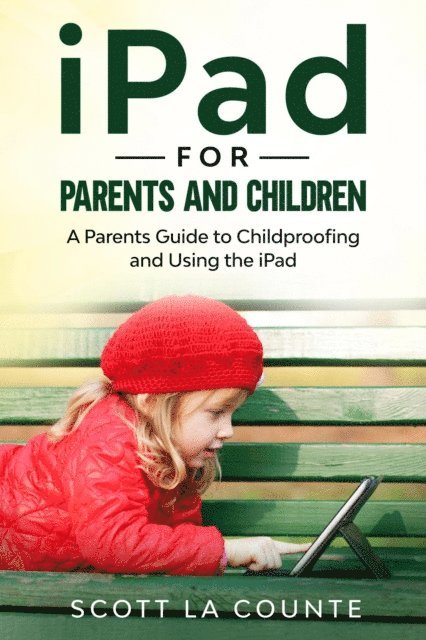
There’s never been a better time to learn. Several years ago, the word Edutainment was introduced—it’s the idea of learning through games and other activities.
What better way to learn than the iPad, right? Kind of. The iPad is an amazing learning device but handing it over to a child with no restrictions gives them access to the world…and all the evils in it.
This book is twofold. One, it teaches parents how to use the iPad; even if you’ve used it before, there’s probably going to be a few things that you never knew. Two, it teaches parents how to safe-guard the device and ensure their child only sees and does what you want them to. It will teach you how to set app limits, turn on and off privacy features, and block certain websites. In short, it will teach you how to customize the iPad so it’s fit for your parenting style.
It’s based off of the newest iPad’s that lack a physical Home button, but if you have another iPad, most of the features are in the same exact place.
Ready to get started? Let’s go!
84 kr
Läs direkt efter köp
95 kr
Läs direkt efter köp
Die Apple Watch gibt es natürlich schon seit Jah-ren und sie wurde mehrmals aktualisiert. Die neues-ten Aktualisierungen haben die aktuellen Uhren je-doch wirklich herausragend gemacht.
Von ständig eingeschalteten Displays bis hin zur GPS-Navigation ist Apple Watch mehr als nur ein Be-gleiter des iPhones geworden; es ist zu einem eigen-ständigen Gerät geworden, ohne dass man nur schwer leben kann.
Zusätzlich zu all den großartigen Funktionen, die Apple Watch schon immer hatte, hat die Serie 4 ein schlankeres Gehäuse eingeführt (jedoch mit einem etwas größeren Bildschirm), verfügt über ein optiona-les Mobiltelefon für Telefongespräche und Musik-Streaming ohne dein Telefon zu benötigen und eine Sturzerkennung (wenn du also stürzt und nicht mehr aufstehen kannst, wird die Feuerwehr zu deinem Standort geschickt). Alles an diesem Gerät wurde so konzipiert, dass es dich zu mehr Bewegung motiviert.
Die Serie 5 ist noch einen Schritt weiter gegangen und hat eine der am häufigsten nachgefragten Funk-tionen hinzugefügt: ein ständig eingeschaltetes Dis-play. Etwas, das, wie zu bemerken ist, funktioniert, ohne dass die Batterie darunter leidet.
So erstaunlich all die neuen Funktionen auch sind, ist sie nicht ganz so einfach zu bedienen wie ein iPhone; das Fehlen von Tasten, der kleinere Bild-schirm und die allgemeine Benutzeroberfläche kön-nen zu einer frustrierenden ersten Erfahrung führen. Der Sinn dieses Buches ist es, neuen Apple Watch-Benutzern (und Benutzern, die von einem älteren Gerät auf WatchOS 6 aktualisieren) zu helfen, das Beste aus ihrer Investition zu machen.
Bist du bereit, deine neue Apple Watch zu entde-cken? Dann lass uns anfangen!
100 kr
Läs direkt efter köp
Microsoft PowerPoint used to rule them all. It didn’t matter what computer or operating system you had—if you needed to present something, you used PowerPoint.
Times have changed! Today there are many presentation solutions out there. Some, like Google Slides, are pretty barebones; and others, like Power-Point, feel at times feature creep—there are just so many options, it’s easy to get lost. If you use a Mac, iPad, or iPhone, then you have a third option that is growing in popularity: Keynote.
In addition to being simple yet visually stunning, Keynote comes free with Apple devices. What’s even better is it’s pretty easy to get started even with limited knowledge of the software.
If you really want to get the most out of it, then this guide will help. It will show you the ropes—including how to do all those things you are used to doing in Microsoft PowerPoint, and help you with some of the features you may not even know about.
Ready to get started? Let’s go!
113 kr
Läs direkt efter köp
Moby Dick is quite a story--an adventure--man vs. nature! It's often called one of the great American novels. Reading it should be a breeze, right? Not quite...at least for most!
If you are struggling to get through Moby Dick or if you just want a bit more help, then this book is for you!
Inside you will find summaries of each scene, an overview of themes and characters, and even a condensed version of the book!
If you wish that Moby Dick was written today (and not hundreds of years ago), then read on!
82 kr
Läs direkt efter köp
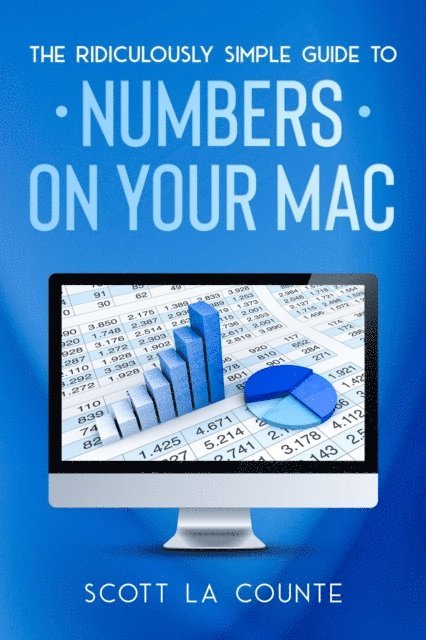
Microsoft Excel used to rule them all. It didn’t matter what computer or operating system you had—if you needed to create a spreadsheet, you used Excel.Times have changed! Today, there are many spreadsheet solutions out there. Some, like Google Sheets, are pretty barebones; and others, like Excel, feel at times feature creep—there are just so many options, it’s easy to get lost. If you use a Mac, iPad, or iPhone, then you have a third option that’s growing in popularity: Numbers.In addition to being simple, yet visually stunning, Numbers comes free with Apple devices. What’s even better is it’s pretty easy to get started, even with limited knowledge of the software.If you really want to get the most out of it, then this guide will help. It will show you the ropes—including how to do all those things you are used to doing in Microsoft Excel - and help you with some of the features you may not even know about.Ready to get started? Let’s go!

33 kr
Läs direkt efter köp
If you own a Mac, then the Safari browser is the default app for surfing the Internet.
But how does it work and is it really worth using over other popular browsers?
This book, which is based on The Ridiculously Simple Guide to Safari will help you understand it more. It will teach you all the tricks that will make it a better browsing experience.
If you’re ready to make the switch and want to make sure you understand all of the features, then read on!
34 kr
Läs direkt efter köp
The Internet was once ruled by two browsers: Netscape and Internet Explorer. In recent years, others have dominated Internet browsers—notably Chrome and Firefox.
There is another popular option: Safari.
While Safari has never had the mass appeal of some browsers, it has been around for a long time—longer than most Internet browsers, actually. It was first launched in 2003—five years before Google launched its widely popular Chrome browser.
Safari has most the popular features people are already used to, like tabbed browsing, reader view, and security key authentication, and it also lets users user pay with Apple Pay.
Perhaps the biggest benefit of Safari is continuality; this feature lets you pick up where you left off, so whatever you are reading on your iPad or iPhone, you can continue reading it on your desktop or laptop if you change devices.
If you’re ready to make the switch and want to make sure you understand all of the features, then read on!
101 kr
Läs direkt efter köp
Google Chrome is used by an estimated 300 million people, and currently has about 40% of the browser market, which makes it the most popular Internet browser out there.
300 million is a lot—but that doesn’t mean that everyone knows how to actually use it. If you want to get the most out of Google Chrome, this short book will help by breaking down how to use all the top features.
In addition to the anatomy of the actual browser, this book will give you a crash course in both Gmail and Google Searching.
169 kr
Läs direkt efter köp
If you are like the majority of people, you probably use Google Chrome. It’s the most popular browser out there. Hundreds of millions of people use it.
Using it to Google a funny meme is easy. But do you really understand everything about Google Chrome? There’s a lot under the hood, and this book will help break it down.
In addition to showing you how the browser works, it will also cover Google Searching and how to use Gmail.
67 kr
Läs direkt efter köp
If you want to create a professional document like a resume or cover letter, then you know where to go: word processing software like Word or Pages. But what if you just want to create well-organized notes?
If you are using a Mac, iPad or iPhone, then the choice is obvious: the appropriately named Notes app.
On the surface, Notes is a pretty basic text editor; but there’s more than meets the eye, as Notes can do more than just give you a place to add notes. You can add images, format text, sync it across devices, and much more.
If you want to get the most out of this powerful little text editor, then read on!
488 kr
Läs direkt efter köp
This massive 800+ book covers all of Apple's most popular products including Apple TV, iPhone, Apple Watch, iWork, iPad, Mac, and much more! If you're new to Apple, then this book will help you get started.
This book is a bundle of several bestselling guides.
167 kr
Läs direkt efter köp
MacBook Air was once the lightweight computer that sent shock-waves through the technology industry! A computer so thin that it could actually fit in an envelope! How was that even possible.
Over the years, MacBook Air has taken a backseat to the more powerful MacBook Pro. Yes, the Air was remarkably thin, but it just couldn’t keep up with what many users wanted to do. It was great for casual computing (like web browsing and email), but not for running large, more memory intensive, programs.
In 2020, this changed when Apple revealed the latest version of MacBook Air. It features all the things you’d expect from the MacBook Pro, but at a cheaper price. Things like: Retina display, a remarkably fast Core i7 processor, Magic Keyboard that helps you deliver quieter typing, Touch ID, Stereo speakers with better sound, and USB-C inputs.
If you are new to Mac, this book will help you out. It will cover:• What's the difference between all the different Macs and Mac-Books• How do you do all those Windows "things" on a Mac• Using the Magic Mouse and Force Touch• Using Siri• How to find things / how to organize things to make them easy to find• Using Sidecar• Using Time Machine• Parental Controls• Using Notes• Using iWorks• Downloading / Updating apps on the App Store• Organizing photos• Making phone calls and sending messages• Multitasking• And much, much more!

165 kr
Läs direkt efter köp
You know what a MacBook is, but chances are you spent most of your life with a Windows PC.
While there is a learning curve, it’s not as hard as you’d think. And there are lots of advantages—especially if you have other Apple products like the iPhone, Apple Watch, iPad, and Apple TV.
This book is meant to help users who are picking up a MacBook for the first time. While it’s based on the MacBook Air (2020 model), you will be fine if you own any other current Mac model.
The following topics will be covered inside:
What's the difference between all the different Macs and MacBook’s Accessibility features How do you do all those Windows "things" on a Mac Using the Magic Mouse and Force Touch Using Siri Using Safari to search the Internet How to find things / how to organize things to make them easy to find Using Sidecar Using Notes Using iWorks Downloading / Updating apps on the App Store Organizing photos Making phone calls and sending messages Multitasking And much, much more!
101 kr
Läs direkt efter köp
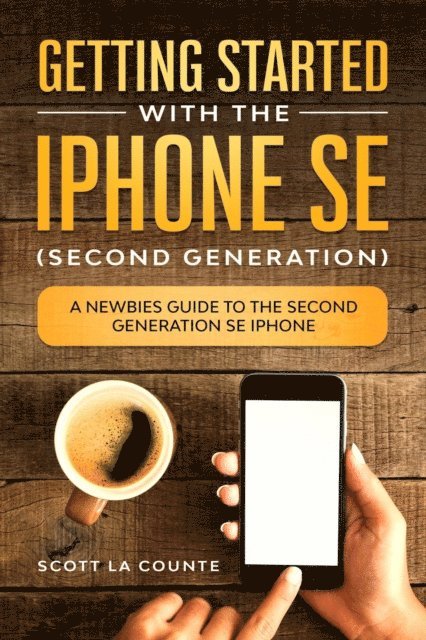
New to iPhone SE? This user guide has you covered! The iPhone SE is the newest (and cheapest) iPhone on the market. So it’s got to be a lemon, right? Only if you like lemonade! The iPhone SE is already being hailed as the best budget phone on the market. True, it doesn’t have the same hardware as the high-end iPhones that cost over $1,000--but depending on the type of user you are, it may not even matter. If you are a little overwhelmed with everything the iPhone can do, this book will simplify it for you. It’s not going to cover everything--if you want to set up a private network or iMAP / POP email account, then keep walking! If you are saying: what is iMAP? Then this book is just for you! The emphasis of the book are the things you’ll want to do--like take pictures of your grandkids! Not all those little things that you would never use even if you understood it.It covers things like taking photos. And how to Use Facetime with grandkids. This book walks you through what you need to know step-by-step, and also helps you understand how it’s different from other iPhones.It covers only what most people want to know--so you don't have to comb through hundreds of pages of tech-speak just to find out how to do a common feature.Some of the many topics it covers:
What's new to iOS 13Buying, removing, rearranging, updating appsTaking, editing, organizing and sharing photosApple Services (Apple Music, Apple TV+, Apple Card, iCloud)Using Siri Using pre-installed apps like Notes, Calendar, Reminders, and moreMaking phone calls and sending messagesAirPodsAnd much, much more!
This book is based on the book "Getting Started with the iPhone SE" but includes an expanded section on accessibility (like how to make text easier to see).Are you ready to start enjoying your new iPhone? Then let's get started!
101 kr
Läs direkt efter köp
The next generation of iPhone SE has arrived! The iPhone SE is arguably the best budget phone you can buy. It takes stunning photos and videos, is incredibly thin, has an HD screen, and is fast! If you want to make sure you understand how to use all of the features, then keep reading. This guide is formatted in a way to help you use your phone (and all its powerful features) as quickly as possible.I purposely have written this guide to be a little more casual and fun than what you expect from most iPhone manuals. The iPhone is a fun gadget, and any guide should be an equally fun read.Some of the included topics:
What's new to iOS 13Buying, removing, rearranging, updating appsTaking, editing, organizing and sharing photosApple Services (Apple Music, Apple TV+, Apple Card, iCloud)Using Siri Using pre-installed apps like Notes, Calendar, Reminders, and moreMaking phone calls and sending messagesAirPodsCarPlayAnd much, much more!Are you ready to start enjoying your new iPhone? Then let's get started!

403 kr
Skickas inom 3-6 vardagar
71 kr
Läs direkt efter köp
132 kr
Läs direkt efter köp
40 kr
Läs direkt efter köp

28 kr
Läs direkt efter köp
49 kr
Läs direkt efter köp
51 kr
Läs direkt efter köp
40 kr
Läs direkt efter köp
39 kr
Läs direkt efter köp
72 kr
Läs direkt efter köp
57 kr
Läs direkt efter köp