197 kr
Skickas inom 7-10 vardagar
197 kr
Skickas inom 7-10 vardagar
317 kr
Skickas inom 7-10 vardagar
235 kr
Skickas inom 7-10 vardagar
326 kr
Skickas inom 7-10 vardagar
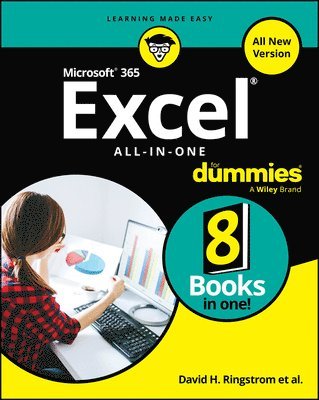
Use Excel 365 and Excel 2021 core features to build spreadsheets that solve business problems and deliver reliable answers. Drawing on his unsurpassed experience, Paul McFedries helps you make the most of formulas and functions, including recent improvements ranging from dynamic arrays to XLOOKUP and LET. McFedries' step-by-step projects walk you through handling key tasks, from building timesheets to projecting cash flow and aging receivables. His practical examples and clear instructions demystify intermediate-to-advanced-level formula construction, and help you leverage Excel's most useful functions in your everyday work.
Becoming an Excel expert has never been easier!
By reading this book, you will:
Improve business analyses by adding intelligence and knowledge to your models Replace cumbersome formulas with convenient predefined functions Use modern lookups to make your formulas more powerful and flexible Simplify complex calculations with dynamic arrays in Excel 365 and Excel 2021 Use conditional formatting to reveal anomalies, problems, or opportunities Calculate loan payments, interest costs, terms, and amortization schedules Project the future value of investments, and plan to achieve investment goals Master essential discounting and cash-flow analysis tools, including NPV and IRR Sort, filter, and analyze any tabular data, from customers to inventory Easily analyze huge datasets with PivotTable calculations Perform sophisticated what-if analyses, scenario planning, and forecasting Optimize profit, cost, or operational efficiency with Solver
About This Book
For everyone who wants to get more done with Microsoft Excel in less time For business and financial professionals, entrepreneurs, students, and others who need to efficiently manage and analyze data
275 kr
Skickas inom 7-10 vardagar
488 kr
Läs direkt efter köp
A thorough and helpful reference for aspiring website builders
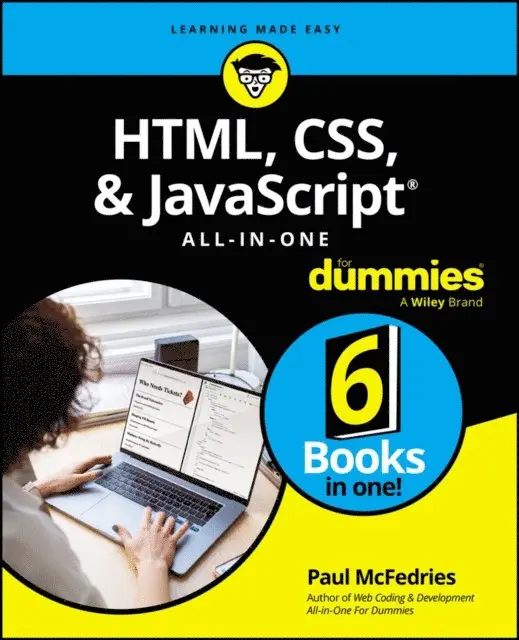
Looking to start an exciting new career in front-end web building and design? Or maybe you just want to develop a new skill and create websites for fun. Whatever your reasons, it’s never been easier to start learning how to build websites from scratch than with help from HTML, CSS, & JavaScript All-in-One For Dummies. This book has the essentials you need to wrap your head around the key ingredients of website design and creation.
You’ll learn to build attractive, useful, and easy-to-navigate websites by combining HTML, CSS, and JavaScript into fun and practical creations. Using the 6 books compiled within this comprehensive collection, you’ll discover how to make static and dynamic websites, complete with intuitive layouts and cool animations. The book also includes:
Incorporate the latest approaches to HTML, CSS, and JavaScript, including those involving new markup, page styles, interactivity, and more Step-by-step instructions for new site creators explaining the very basics of page layouts and animations Easy-to-follow advice for adjusting page color and background, adding widgets to a site, and getting rid of all the bugs that affect site performance Bonus 6th book available at https://www.wiley.com/en-us/HTML%2C+CSS%2C+%26amp%3B+JavaScript+All+in+One+For+Dummies-p-9781394164721.Web development is a fun, interesting, and challenging skill that can lead to a lucrative career (if you’re so inclined). And with the right help, almost anyone can learn to create engaging websites from scratch. So, grab a copy of HTML, CSS, & JavaScript All-in-One For Dummies and you’ll be designing and building before you know it!
357 kr
Skickas inom 7-10 vardagar
357 kr
Skickas inom 7-10 vardagar
439 kr
Skickas inom 7-10 vardagar
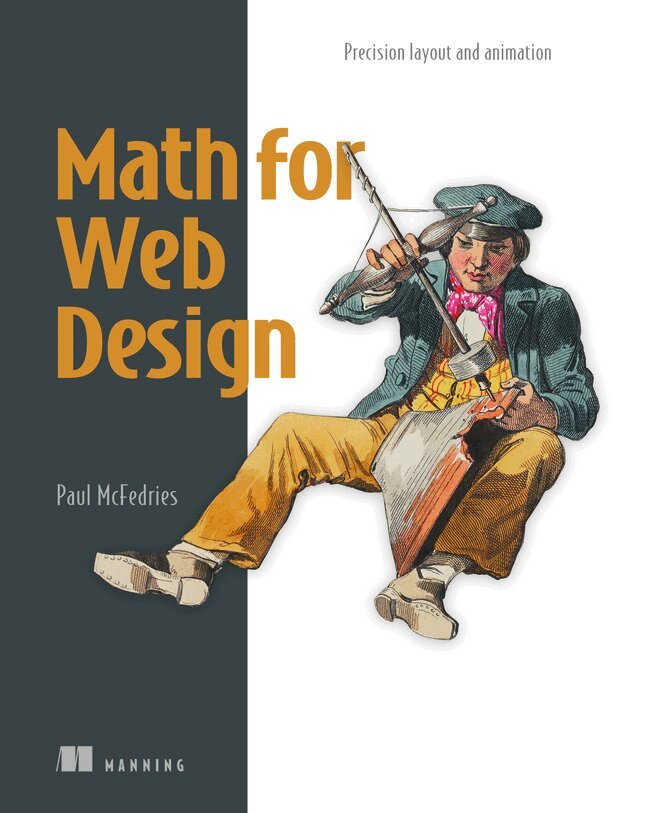
Good websites and apps are built on simple mathematical principles. When you understand these ideas, it becomes easier to design layouts, create smooth animations and choose colours that look right. This book teaches you the math you need to create precise and highly functional front-end designs. It shows you how to apply these principles to your work.
Create better layouts and animations by using the Golden Ratio and proportional scaling. Improve responsiveness and accessibility with percentage-based sizing. Create user interface effects by using physics, vectors, and geometric transformations. Learn algebra and grid calculations for CSS Grid and Flexbox. Understand Grok colour theory and the math used in colour blending.Math for Web Design teaches you how to apply mathematical principles in CSS and JavaScript. Every concept includes hands-on examples so you can practise as you learn. The book covers key methods for layout and colour. It then moves to advanced topics such as accessibility and user interface elements based on real-world physics.
After reading this book, you will have the skills to create more beautiful and efficient layouts and interfaces. You will be able to apply mathematical concepts to improve your designs. This book is for developers, designers, and UX/UI professionals who use CSS and JavaScript.
244 kr
Skickas inom 7-10 vardagar
Pearson Education
146 kr
Skickas
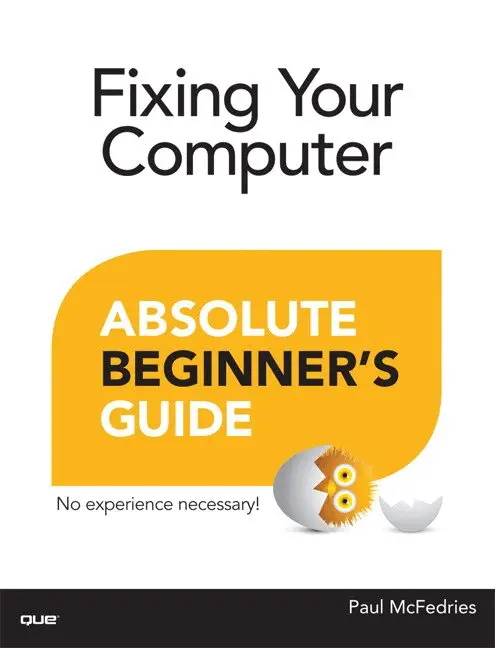
Fix your own computer—without becoming a technical expert! This book is the fastest way to save money on computer repairs, avoid unnecessary frustration, and keep using perfectly good equipment instead of throwing it away! Even if you’re completely non-technical, you’ll learn how to get the job done, one incredibly clear and easy step at a time. Computer repair and maintenance has never, ever been this simple!
¿
Who knew how simple fixing your computer could be?
¿
This is the easiest, most practical beginner’s guide to fixing your own computer… simple, reliable instructions and crystal-clear pictures that show you exactly how to do it yourself! Here’s a small sample of what you’ll learn:
•¿¿ Maintain your computer so it’s less likely to break in the first place
•¿¿ Perform simple “ounce of prevention” tasks now, so it’s easier to fix problems later
•¿¿ Learn simple troubleshooting techniques for figuring out what’s wrong
•¿¿ Find the right tools (you might already have them!)
•¿¿ Buy the right parts without spending more than you have to
•¿¿ Fix aggravating Windows startup problems
•¿¿ Smoothly recover from PC crashes
•¿¿ Perform basic hardware repairs or upgrades at home, often in minutes
•¿¿ Install a new hard disk, CD/DVD drive, or Blu-ray drive
•¿¿ Speed up your computer by adding memory or upgrading its processor
•¿¿ Troubleshoot and fix network and Internet connection problems
•¿¿ And much more…
¿
Paul McFedries is a full-time technical writer and passionate computer tinkerer. He has authored more than 80 computer books that have sold more than 4 million copies. His recent titles include My Office 2013 RT, Windows 8 In Depth, Microsoft Windows 7 Unleashed, Microsoft Home Server 2011 Unleashed, and Tweak It and Freak It: A Killer Guide to Making Windows Run Your Way. He is also proprietor of Word Spy (www.wordspy.com), a website that tracks new words and phrases as they enter the English language.
¿
185 kr
Skickas inom 7-10 vardagar
Advance your expert-level proficiency with Excel.
And earn the credential that proves it!
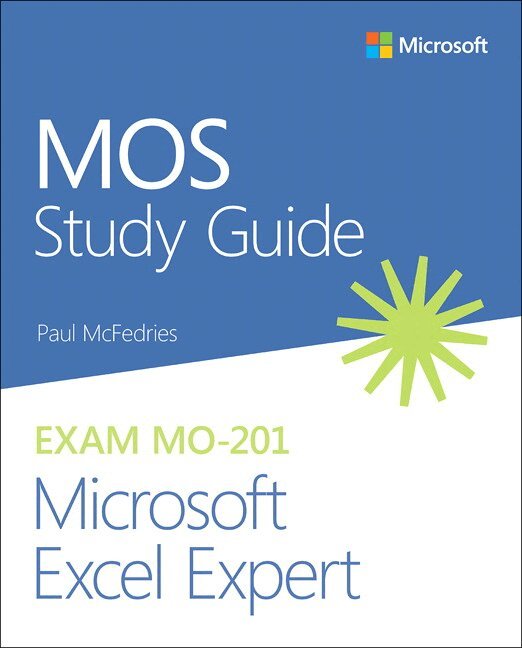
Demonstrate your expert-level competency with Microsoft Excel! Designed to help you practice and prepare for Microsoft Office Specialist: Microsoft Excel Expert (Excel and Excel 2019) certification, this official Study Guide delivers:
In-depth preparation for each MOS objective Detailed procedures to help build the skills measured by the exam Hands-on tasks to practice what you’ve learned Ready-made practice filesSharpen the skills measured by these objectives:
Manage Workbook Options and Settings
Manage and Format Data
Create Advanced Formulas and Macros
Manage Advanced Charts and Tables
About the MOS: Expert Certification
A Microsoft Office Specialist (MOS): Expert certification validates your hands-on experience and competency with an Office product at an expert level. It demonstrates that you can apply the product’s principal features at an advanced level, can complete expert tasks independently, and are ready to enter the job market.
See full details at: microsoft.com/learn
Practice Files
Available at: MicrosoftPressStore.com/ MOSExcelExpert201/downloads
185 kr
Skickas inom 7-10 vardagar
185 kr
Skickas inom 7-10 vardagar
Advance your expert-level proficiency with Word. And earn the credential that proves it!
Demonstrate your expert-level competency with Microsoft Word! Designed to help you practice and prepare for Microsoft Office Specialist: Word Expert (Word and Word 2019) certification, this official Study Guide delivers:
In-depth preparation for each MOS objective Detailed procedures to help build the skills measured by the exam Hands-on tasks to practice what you’ve learned Ready-made practice filesSharpen the skills measured by these objectives:
Manage Document Options and Settings Use Advanced Editing and Formatting Features Create Custom Document Elements Use Advanced Word FeaturesAbout MOS: Expert Certification
A Microsoft Office Specialist (MOS): Expert certification validates your hands-on experience and competency with an Office product at an expert level. It demonstrates that you can apply the product’s principal features at an advanced level, can complete expert tasks independently, and are ready to enter the job market.
See full details at: microsoft.com/learn
Practice Files
Available at: MicrosoftPressStore.com/MOSWordExpert101/downloads
251 kr
Skickas inom 7-10 vardagar
The quick way to learn Microsoft Teams!
This is learning made easy. Get more done quickly with Microsoft Teams in any environment, and help your whole team succeed with it. Jump in wherever you need answers—brisk lessons and detailed screenshots show you exactly what to do, step by step.
Build your own teams to enhance collaboration Use team channels to bring structure and relevance to your work Work smarter with apps, tabs, extensions, connectors, and bots Create, upload, edit, and share Microsoft 365 documents inside Teams Stay connected via chat and video calls Get more done in every Teams meeting Customize Teams to maximize personal and organizational efficiency Look up just the tasks and lessons you need
85 kr
Läs direkt efter köp
85 kr
Läs direkt efter köp
96 kr
Läs direkt efter köp
91 kr
Läs direkt efter köp
225 kr
Läs direkt efter köp
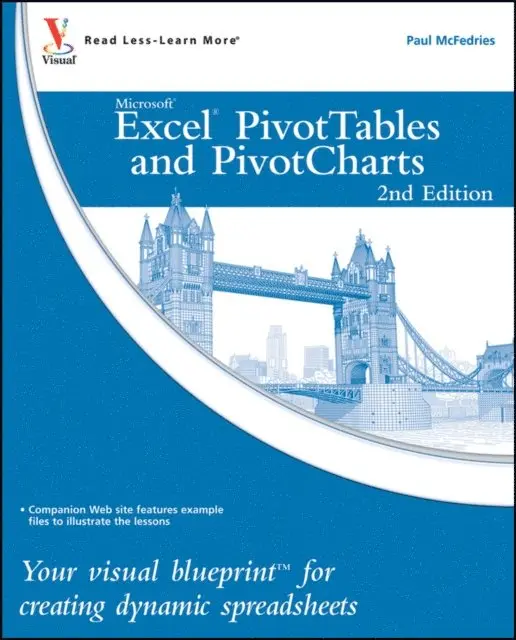
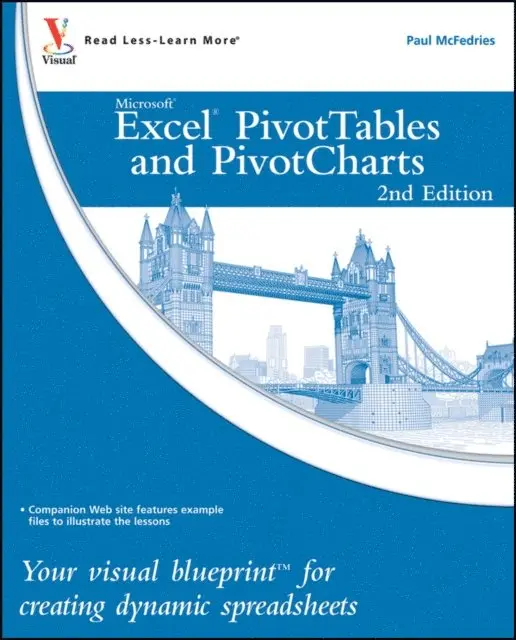
Your visual blueprint for creating dynamic spreadsheets
357 kr
Skickas inom 3-6 vardagar
277 kr
Läs direkt efter köp
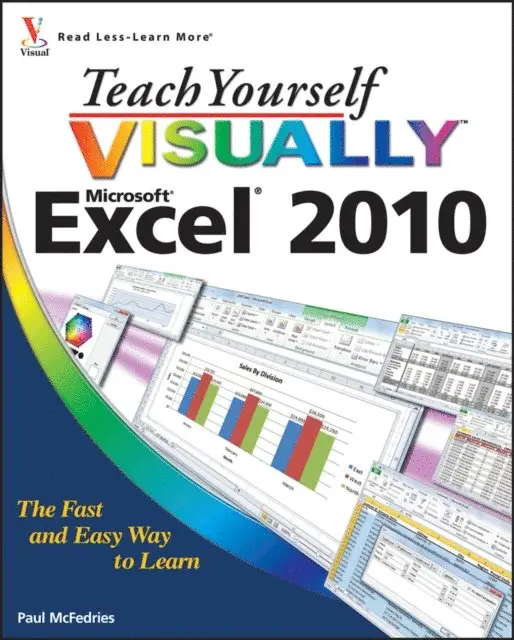
If you''re always hearing about the cool things that Excel can do, here''s your chance to see how to do them! With pages of full-color, step-by-step instructions and crystal-clear screen shots, this guide shows you how to get the most out of Excel 2010. The book covers all the basics as well as Excel 2010''s new features and functions, including a new interface and better collaboration tools. Crunch and chart your data over a network, over the Web, or at home-helpful tips on every page will get you there even faster!
Provides a clear look at Excel 2010, the newest version of the world''s leading spreadsheet application from Microsoft, and part of the new Microsoft Office 2010 suite Demonstrates how to create spreadsheets and charts, filter and sort data, work with PivotTable, and present your data-on a network, on the Web, or on your laptop Explores all features and functions in full-color pages packed with screen shots and other visual graphics that clearly show you how to accomplish tasks Includes practical examples, tips, and advice on how to use all the tools more effectivelyGet the very most out of Excel 2010 with this easy-to-follow guide!
277 kr
Läs direkt efter köp
Even if you use Excel all the time, you may not be up to speed on two of Excel''s most useful features. PivotTable and PivotChart turn long lists of unreadable data into dynamic, easy-to-read tables and charts that highlight the information you need most; you can tweak results with a click or easily fuse data from several sources into one document. Now you can learn how to tap these powerful Excel tools with this practical guide.
Using a series of step-by-step tutorials and easy-to-follow screenshots, this book shows you in a visual way how to create and customize PivotTables and PivotCharts, use them to analyze business data, and ultimately achieve more with less work.
Explains the benefits PivotTables and PivotCharts, two powerful features of Excel that allow users to create dynamic spreadsheets Covers creating and customizing, analyzing business data, building custom calculations, linking to external data sources (including Access databases, Word tables, Web pages, XML data, SQL Server databases, and OLAP cubes), creating macros to automate tasks, and more Uses step-by-step tutorials and easy-to-follow screenshots, a "learn by seeing" approach for visual learnersPractical, visual, and packed with content, this is the book you need to ramp up your Excel skills with PivotTables and PivotCharts.
185 kr
Läs direkt efter köp
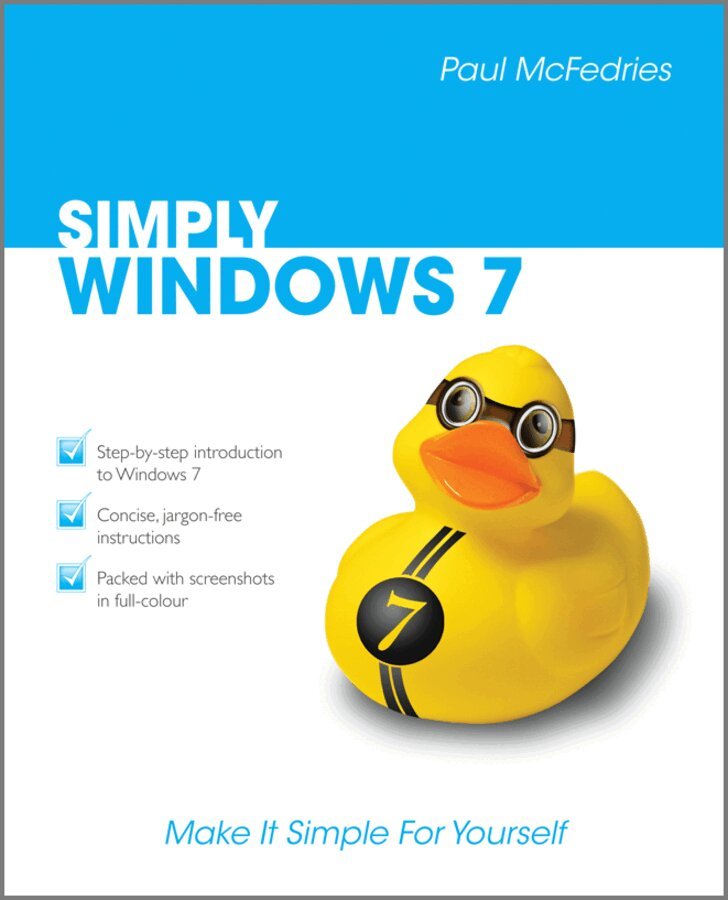
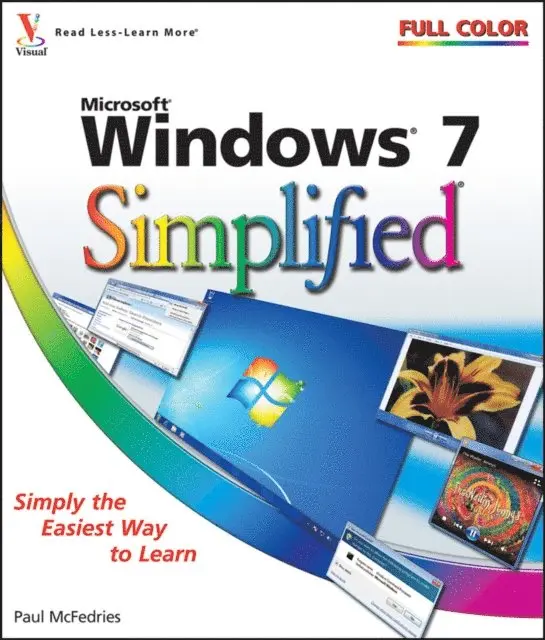
The simple, yet elegant design features a multitude of images as well as tips & tricks to make this a perfect reference for all ages - just follow the instructions on your own PC.
Whether you are a beginner or an experienced user in need of a quick grip on the updates in Windows 7, read on for:
Windows 7 basics new ways to customize Windows to work for you the new interface and the new and improved Internet Explorer creating movies sharing their computer working with and managing files browsing the WebPacked with advice and illustrations, this visual tutorial is excellent value for money. Learn something new today – read it, try it and become your own expert with Simply Windows 7!
185 kr
Läs direkt efter köp
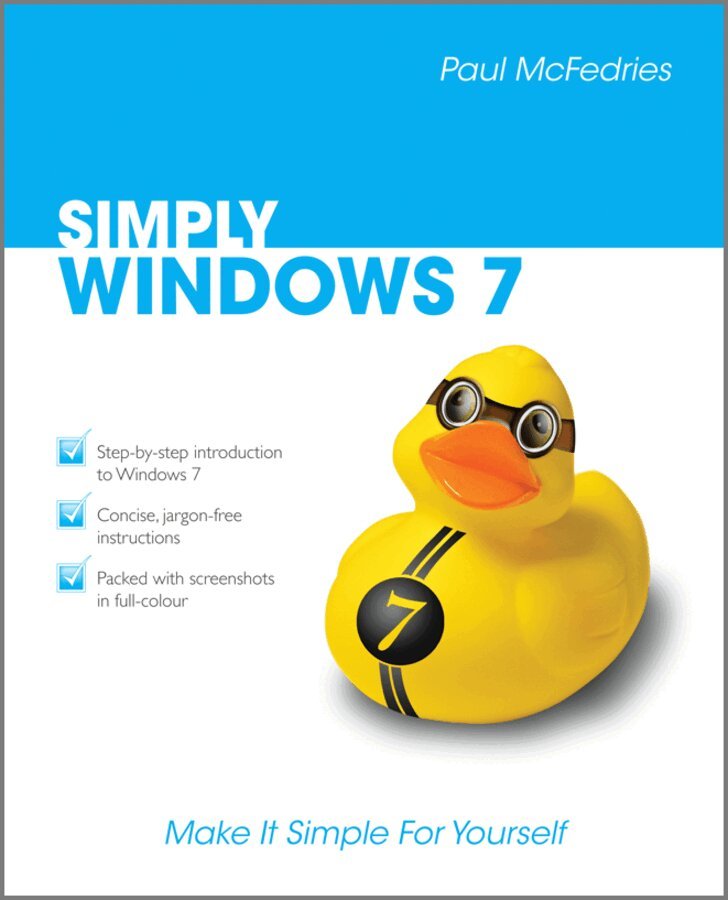
The simple, yet elegant design features a multitude of images as well as tips & tricks to make this a perfect reference for all ages - just follow the instructions on your own PC.
Whether you are a beginner or an experienced user in need of a quick grip on the updates in Windows 7, read on for:
Windows 7 basics new ways to customize Windows to work for you the new interface and the new and improved Internet Explorer creating movies sharing their computer working with and managing files browsing the WebPacked with advice and illustrations, this visual tutorial is excellent value for money. Learn something new today – read it, try it and become your own expert with Simply Windows 7!
181 kr
Skickas inom 7-10 vardagar
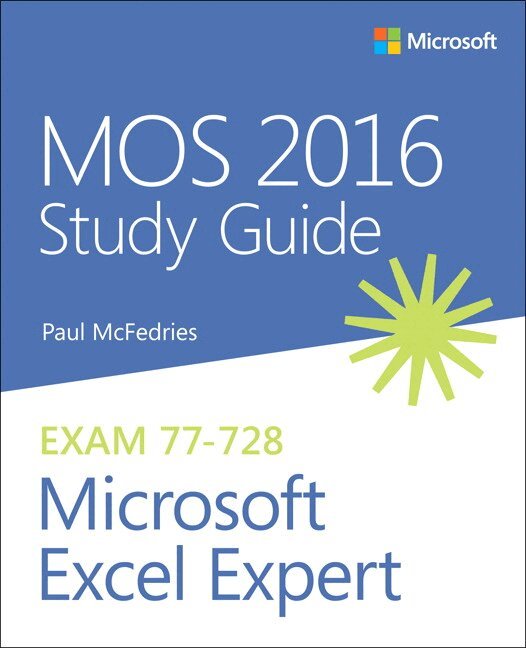
Hone your advanced Excel 2016 skills. And earn the credential that proves it!
Demonstrate your expertise with Microsoft Excel! Designed to help you practice and prepare for Microsoft Office Specialist (MOS): Excel Expert 2016 certification, this official Study Guide delivers: In-depth preparation for each MOS objective Detailed procedures to help build the skills measured by the exam Hands-on tasks to practice what you’ve learned Ready-made practice filesSharpen the skills measured by these objectives:
Create and Manage Workbooks Apply Custom Formatting and Layouts Create Advanced Formulas Perform Data Analysis Create Advanced Charts and PivotTables
73 kr
Läs direkt efter köp
277 kr
Läs direkt efter köp
Even if you use Excel all the time, you may not be up to speed on two of Excel''s most useful features. PivotTable and PivotChart turn long lists of unreadable data into dynamic, easy-to-read tables and charts that highlight the information you need most; you can tweak results with a click or easily fuse data from several sources into one document. Now you can learn how to tap these powerful Excel tools with this practical guide.
Using a series of step-by-step tutorials and easy-to-follow screenshots, this book shows you in a visual way how to create and customize PivotTables and PivotCharts, use them to analyze business data, and ultimately achieve more with less work.
Explains the benefits PivotTables and PivotCharts, two powerful features of Excel that allow users to create dynamic spreadsheets Covers creating and customizing, analyzing business data, building custom calculations, linking to external data sources (including Access databases, Word tables, Web pages, XML data, SQL Server databases, and OLAP cubes), creating macros to automate tasks, and more Uses step-by-step tutorials and easy-to-follow screenshots, a "learn by seeing" approach for visual learnersPractical, visual, and packed with content, this is the book you need to ramp up your Excel skills with PivotTables and PivotCharts.
271 kr
Läs direkt efter köp
If you''re always hearing about the cool things that Excel can do, here''s your chance to see how to do them! With pages of full-color, step-by-step instructions and crystal-clear screen shots, this guide shows you how to get the most out of Excel 2010. The book covers all the basics as well as Excel 2010''s new features and functions, including a new interface and better collaboration tools. Crunch and chart your data over a network, over the Web, or at home-helpful tips on every page will get you there even faster!
Provides a clear look at Excel 2010, the newest version of the world''s leading spreadsheet application from Microsoft, and part of the new Microsoft Office 2010 suite Demonstrates how to create spreadsheets and charts, filter and sort data, work with PivotTable, and present your data-on a network, on the Web, or on your laptop Explores all features and functions in full-color pages packed with screen shots and other visual graphics that clearly show you how to accomplish tasks Includes practical examples, tips, and advice on how to use all the tools more effectivelyGet the very most out of Excel 2010 with this easy-to-follow guide!
222 kr
Läs direkt efter köp