Häftad, Engelska, 2024
615 kr
Skickas inom 7-10 vardagar
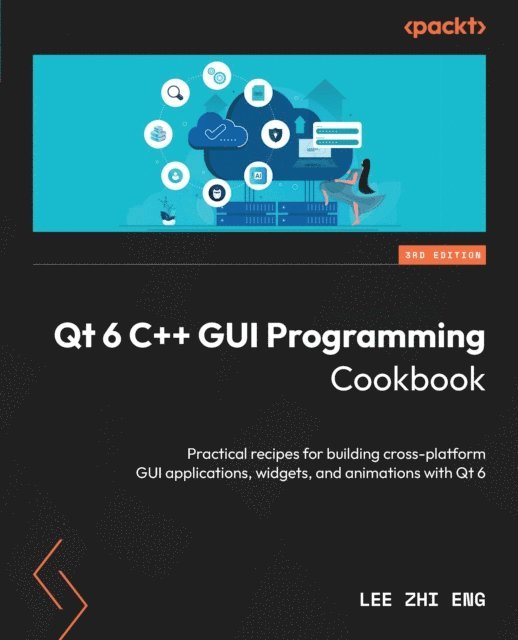
Use Qt 6 to design and build functional, appealing, and user-friendly graphical user interfaces (GUIs) for your applicationsKey FeaturesLearn to use Qt 6 to design and customize the look and feel of your applicationsImprove the visual quality of an application by using graphics rendering and animationUnderstand the balance of presentation and web content that will make an application appealing yet functionalPurchase of the print or Kindle book includes a free PDF eBookBook DescriptionWith the growing need to develop GUIs for multiple targets and multiple screens, improving the visual quality of your application has become pivotal in helping it stand out from your competitors. With its cross-platform ability and the latest UI paradigms, Qt makes it possible to build intuitive, interactive, and user-friendly UIs for your applications.The third edition of Qt 6 C++ GUI Programming Cookbook teaches you how to develop functional and appealing UIs using the latest version of Qt 6 and C++. This book will help you learn a variety of topics such as GUI customization and animation, graphics rendering, and implementing Google Maps. You’ll also be taken through advanced concepts such as asynchronous programming, event handling using signals and slots, network programming, and other aspects to optimize your application.By the end of this Qt book, you’ll have the confidence you need to design and customize GUI applications that meet your clients' expectations and have an understanding of best-practice solutions to common problems during the app development process.What you will learnAnimate GUI elements using Qt 6's built-in animation systemDraw vector shapes and bitmap images using Qt 6's powerful rendering systemImplement an industry-standard OpenGL library in your projectBuild a mobile app that supports touch events and export it into devicesParse and extract data from an XML file and present it on your GUIInteract with web content by calling JavaScript functions from C++Access MySQL and SQLite databases to retrieve data and display it on your GUIWho this book is forThis intermediate-level book is designed for those who want to develop software using Qt 6. If you want to improve the visual quality and content presentation of your software application, this book is for you. Prior experience with the C++ programming language is required.