
Pearson Education
93 kr
Skickas
Pearson Education
93 kr
Skickas
Pearson Education
232 kr
Skickas
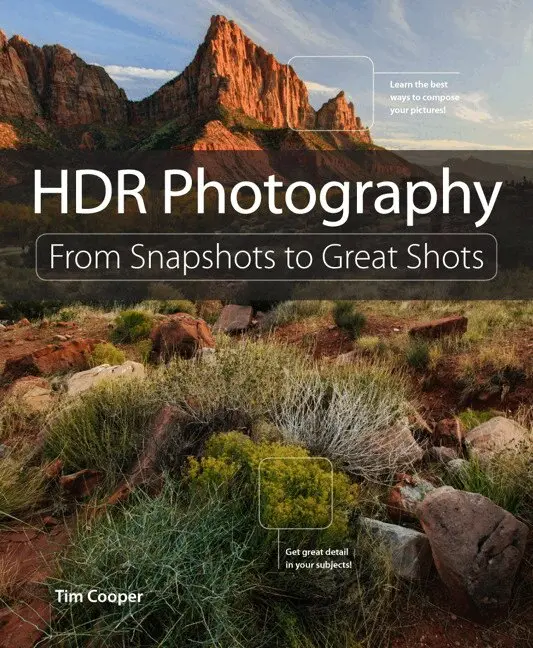
Are you an aspiring landscape, architecture, interior, or real estate photographer? Do you struggle with a lack of detail in the highlight or shadow areas of your scene? Then the world of high-dynamic range (HDR) photography is for you. This guide by pro photographer Tim Cooper will help you understand how to capture your subjects and process them for amazing, realistic results.
In HDR Photography: From Snapshots to Great Shots, Tim takes you step by step through the capture process and provides his tips and techniques for producing natural-looking HDR images using Lightroom and Photomatix. In this guide you will:
Learn what HDR is and when and why to use it Understand the equipment and camera settings required to capture your images Expose your images properly to bring out the important details in your scene Conquer nature/landscape, architecture/interiors, and night/low light shooting Master the processing of your images in Lightroom and Photomatix for advanced techniques and stunning resultsBeautifully illustrated with large, compelling photos, this book for beginning-to-intermediate digital photographers will help you take control and get the image you want every time you pick up your camera. Once you have the shot, show it off and join the book’s Flickr group: www.flickr.com/groups/HDR_fromsnapshotstogreatshots.
Pearson Education
291 kr
Skickas
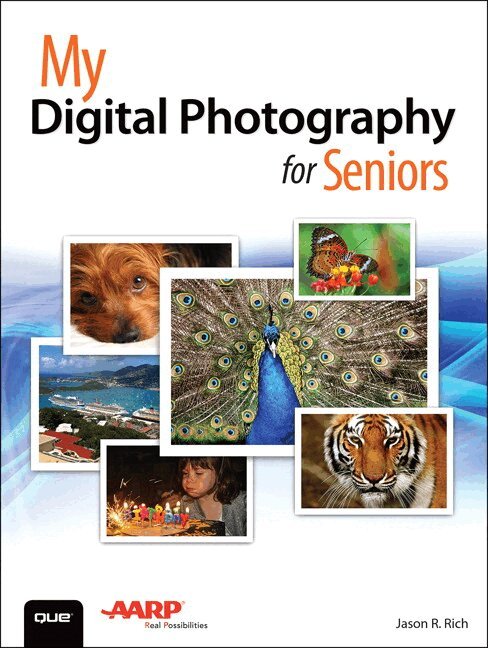
The perfect book to help anyone 50+ learn digital photography – in full color!
My Digital Photography for Seniors is an exceptionally easy and complete full-color tutorial on digital photography, visual storytelling, and image sharing. No ordinary "beginner's book," it approaches every topic using meaningful examples, step-by-step tasks, large text, close-up screen shots, and a custom full-color interior designed for comfortable reading. Professional photographer and top-selling author Jason R. Rich covers all you need to know to take great photos with your smartphone or tablet, manage and organize your digital photo library, safely exchange your images with family and friends, tell compelling stories and chronicle your memories with digital images, and share your creations in print and online. Rich helps you:
Take amazing pictures with your Apple or Android smartphone or tablet Become a better photographer, one easy technique at a time Master easy tools for viewing, organizing, editing, and sharing photos Create a digital diary that tells an unforgettable story Safely exchange photos on Facebook, Twitter, or Instagram Make prints for framing, scrapbooks, or photo albums Create bound photo books to chronicle important events and memories Combine your photos and thoughts in a digital journal Securely store copies of your photos online Share images through email, iCloud, Shutterfly, Flickr, OneDrive, Google Drive, or Dropbox View digital slide shows on your TV or mobile device Automatically “geo-tag” new photos with their locationBONUS MATERIALTwo additional chapters, bonus articles, and a Glossary are available to you at www.quepublishing.com/title/9780789755605. Click the Downloads tab to access the links to download the PDF files.
Pearson Education
364 kr
Skickas
331 kr
Läs direkt efter köp
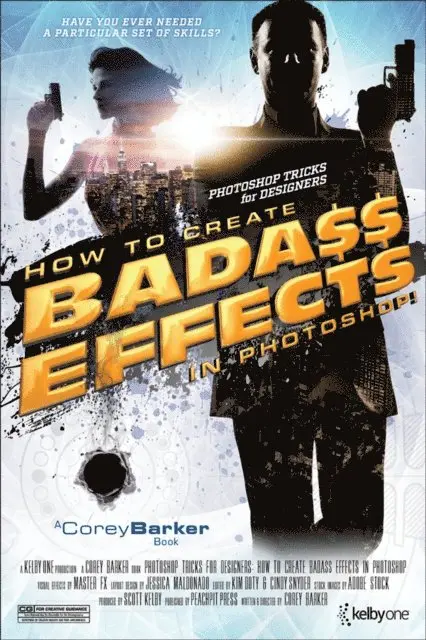
Perhaps you are working on a new project and need a little inspiration , or even a quick reference to show you how to do that one cool effect that will be the finishing touch on your latest creation. Whatever you need, this book can help you in so many ways. One of the toughest things about being a designer is getting a good idea. The next challenge is realizing that idea. This book will not only be a source of ideas , but will also show you how to create them step by step. You can even combine multiple effects to create other cool results–the book’s cover was designed by combining at least half a dozen techniques found within.
Corey wrote this book for working designers, or anyone who just wants to add some “cool factor†to their projects. Each tutorial is a stand-alone technique or mini-project, so you do not have to follow the book in sequence. Just find what you like and have at it. And, as an added bonus, you can download all of t he images used in the book to follow along with.
It’s everything you loved about the Down & Dirty books, now in a small handbook size you can use as a quick reference to a variety of effects.
427 kr
Skickas
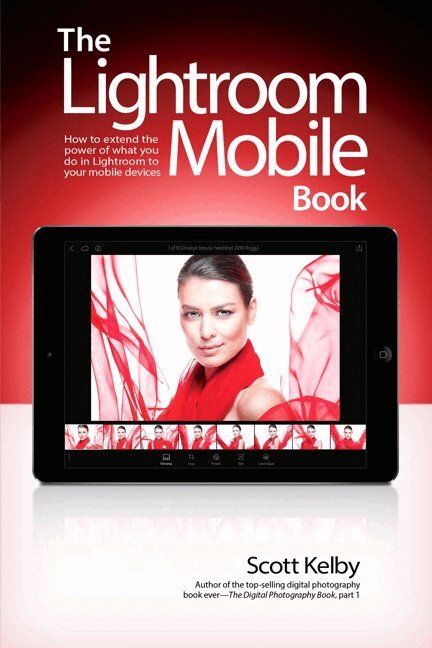
How to extend the power of what you do in Lightroom to your mobile devices
181 kr
Skickas inom 10-15 vardagar
Scott Kelby, the #1 best-selling Lightroom book author, brings you everything you need to know about Lightroom Mobile in his newest book.
Lightroom Mobile, which is kind of like an extension of the regular desktop version of Lightroom, allows users to use Lightroom on their iPads, iPhones, and Android devices. This is really handy because it lets you do a lot of the main things you use the desktop version for, but with Lightroom Mobile, you can easily do them on your mobile device. Plus, it’s “free,” and that’s a hard price to beat.
The Lightroom Mobile Book, first shows you how to get up and running quickly. Then, comes the fun stuff, like telling Lightroom on your computer which collections you want access to over in Lightroom Mobile. Plus, you’ll learn how to manage your collections, add Pick flags and star ratings, move images, play slide shows, and a bunch of other important stuff you’ll want to know right up front. Then, you’ll learn how to edit your images in Lightroom Mobile, using the same Basic panel features found in the desktop version of Lightroom–it’s the same sliders that do the same thing, and it’s even in the same order. You’ll also learn how to easily crop images, as well as use the in-app camera. You’ll learn step by step how to set up Lightroom on your desktop and mobile device, so that during a shoot, you can hand your client your tablet and not only can they see the images coming in live as you shoot, they can make their own Picks, comments, and even share the link with someone at a different location, so they can be part of the shoot, and the approval process, too!
There are lots of other handy features you’ll want to know about, and Scott tells you exactly how to use them just like he was sitting there beside you, using the same casual style as if he were telling a friend.
In The Lightroom Mobile Book, Scott brings the whole process together in a clear, concise, and visual way. There is no faster, more straight-to-the-point, or more fun way to learn Lightroom Mobile than with this groundbreaking book.
Pearson Education
531 kr
Skickas
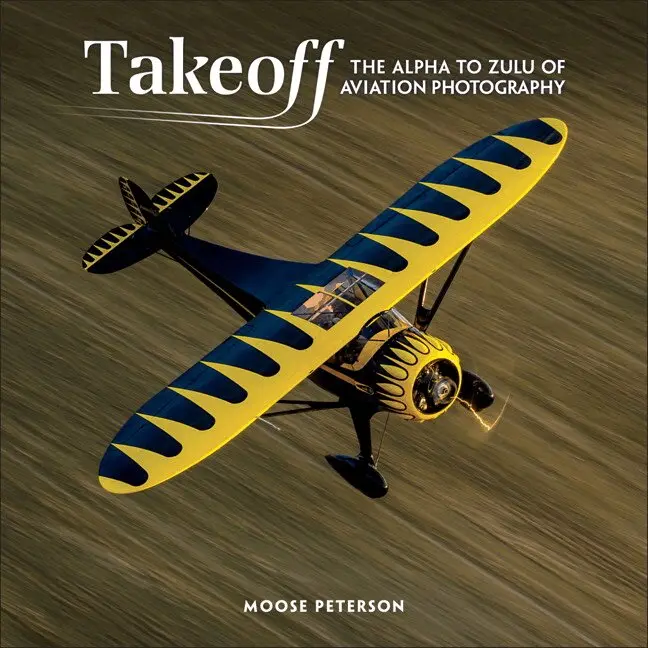
Aviation photography is the perfect mix of sleek, beautiful machines, blended with nature’s beautiful skies and fields, along with a fascinating collection of fearless pilots and capable crew, all wrapped in a rich, significant, and crucial part of history. Few genres combine this many elements, and invoke this much passion from photographers. This one-of-a kind book from Moose Peterson, one of the world’s most recognized experts in aviation photography, not only teaches you exactly what you need to know to start making beautiful, intriguing photographs of aircraft, but inspires you and pushes you creatively and technically every step of the way.
Moose takes you through all the basics for camera gear and settings, showing you what he travels with and the settings he uses to get those tack sharp images. He covers one of the most important aspects of aviation photography–light! And, he gives you a number of examples of how to take the best advantage of that light any time of the day. He shares the critical techniques you’ll need to master to create the illusion of flight, speed, and romance in a still image, including which types of prop blur you’re aiming for (and which types you want to avoid).
You’ll learn how to make the most out of air shows and fly-ins–what to shoot while you’re there, and what you might want to skip or avoid altogether (and why). You’ll learn how to photograph aircraft on the ground, from ground-to-air, and ultimately air-to-air, and how to capture one of the most important elements in aviation photography today: the fascinating pilots and crew–the people!
Moose shares many wonderful stories and adventures along the way, which illustrate how, as photographers, we’re also storytellers, and the importance of bringing out those stories in our aviation photos. Plus, you’ll gain free access to his acclaimed KelbyOne film, Warbirds and the Men Who Flew Them.
With this book, your camera, and your passion, your success in aviation photography will quickly take flight!
317 kr
Skickas inom 10-15 vardagar
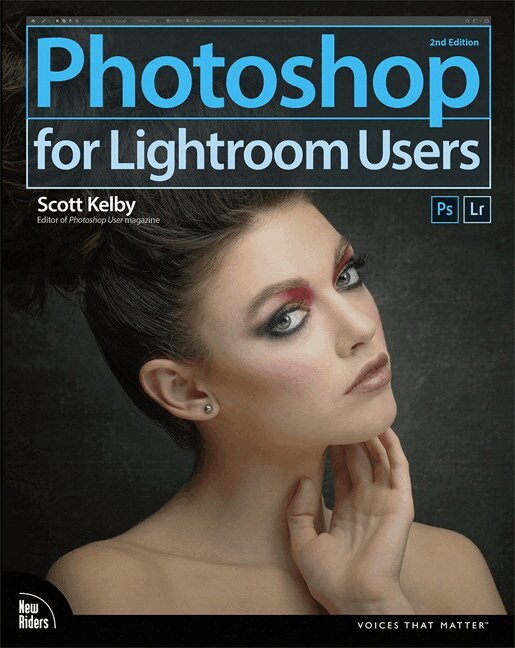
Adobe Photoshop Lightroom is truly an awesome program, and the primary editing tool for so many photographers today. But, at some point, you realize that there are things you need to do to your images that Lightroom just can’t do. It could be anything from pro-level portrait retouching, to blending two or more images together, to incredible special effects, to removing distracting things in your image, to adding beautiful type to your images, and, well…there are just lots of incredible things you could do…if you just knew Photoshop.
Adobe Photoshop is…well…it’s Photoshop—this huge, amazing, Swiss Army knife of a program with 70+ tools, and more than a hundred filters. So, compared to Lightroom it seems really complicated, and it could be, but you’ve got a secret weapon: Scott Kelby. He’s the same guy who wrote the world’s #1 best-selling book on Lightroom, he’s Editor and Publisher of Photoshop User magazine and Lightroom Magazine, and he’s here to teach you just the most important, most useful parts of Photoshop—just the stuff that Lightroom can’t already do. Once you learn these techniques (all covered in this short, quick, easy-to-use, plain-English guide), it opens a whole new world of productivity and creativity.
Here’s what you’ll learn:
Scott tells you flat-out which tools to use, which techniques work best, which ones to avoid, and why. You only really need about 20% of what Photoshop can do, and that 20% is all covered right in this book. The most important layer techniques, and learning layers is like being handed the keys to the candy store—this is where the fun begins, and you’ll be amazed at what you’ll be able to do, so quickly and easily. Scott’s favorite (and most useful) portrait retouching techniques; his favorite special effects for landscape, travel, and people photos; plus which filters are awesome (and which ones waste your time). Also, you’ll learn how to mask hair and create super-realistic composites (you’ll be amazed when you learn how easy this is), plus how to take advantage of all the latest Photoshop technology, how to leverage the latest features (so you’re doing things the easy way), and a bunch of today’s most popular techniques (the same commercial looks you’re seeing in hot demand), so you’ll be using Photoshop like a shark in no time.
If you’ve been saying to yourself, “Ya know, I really should learn Photoshop,” you’re holding the absolute best book to get you there, coming from the guy who literally wrote the book on Lightroom. He knows how to help you make the most of using these two powerful tools together to take your images (and your fun) to the next level. You are going to love being a Photoshop shark!
Pearson Education
279 kr
Skickas
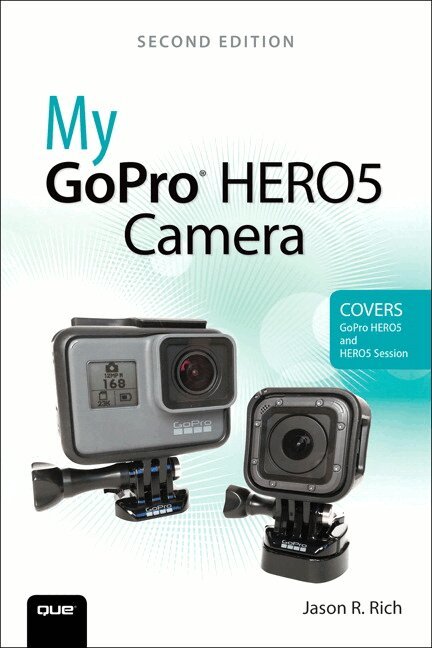
Step-by-step instructions with callouts to the GoPro HERO5 Black, HERO5 Session™, or HERO Session™ camera. Photos and sample images show you exactly what to do.
Help when you run into problems or limitations with your GoPro camera in specific shooting situations.
Tips and Notes to help you get the most from your GoPro camera when taking pictures or shooting HD video in a wide range of shooting situations.
Full-color, step-by-step tasks walk you through getting and keeping your GoPro camera working just the way you want in order to shoot the absolute best photos and videos possible. Learn how to:
Set up your GoPro camera and prepare for any type of shooting situation Take awesome first- or third-person videos just about anywhere, including underwater or in low-light situations Select and use the best camera housing, mount, and accessories to capture the perfect shots Take detailed and vibrant high-resolution, digital images with your GoPro camera Shoot stunning HD video using your GoPro camera Record high-quality audio in conjunction with your videos Choose the best resolution and camera settings for each shooting situation you encounter Wirelessly transfer your digital content from your camera to your smartphone or tablet using the GoPro Capture™ mobile app Transfer content from your camera to your computer to view, edit, enhance, archive, and share it using photo editing software or the GoPro QUIK Desktop™ and GoPro Studio™ video editing software Learn strategies used by the pros to achieve your own professional results668 kr
Skickas
Pearson Education
557 kr
Skickas
Adobe Photoshop Elements 2019 Classroom in a Book is the most thorough and comprehensive way for you to master Adobe’s industry-leading consumer-targeted photo-editing software. Each chapter in this step-by-step, lesson-based guide contains a project that builds on your growing knowledge of the program, while end-of-chapter review questions reinforce each lesson. You will learn the basics of editing your images with Photoshop Elements and learn how to best use the program's many new features.
This edition covers many new and improved features in Adobe Photoshop Elements 2019, from the Auto Curate feature that makes it easier than ever to organize and find your photos by analyzing your library to present just the best images, to a revamped slide show, and new tools that will help you make complex selections in moments or improve a portrait by opening closed eyes. New exercises explore enhancements in the Organizer, an improved selection workflow, and several of the latest guided edits. You’ll discover new tools that let you expand your creativity. And you’ll learn how to print, export, and share your images.
Pearson Education
664 kr
Skickas
The fastest, easiest, most comprehensive way to learn Adobe Photoshop Lightroom Classic CC!
Classroom in a Book®, the best-selling series of hands-on software training workbooks, offers what no other book or training program does—an official training series from Adobe, developed with the support of Adobe product experts.
Adobe Photoshop Lightroom Classic CC Classroom in a Book (2019 release) contains 12 lessons that cover the basics and beyond, providing countless tips and techniques to help you become more productive with the program. You can follow the book from start to finish or choose only those lessons that interest you.
Purchase of this book includes valuable online features. Follow the instructions in the book’s Getting Started section to unlock access to:
Downloadable lesson files you need to work through the projects in the book Web Edition containing the complete text of the book, interactive quizzes, and videos that walk you through the lessons step by step, and updated material covering new feature releases from Adobe
888 kr
Skickas inom 11-20 vardagar
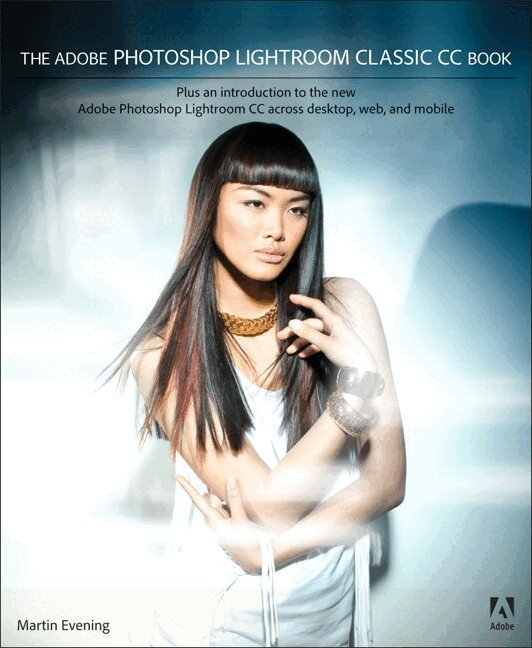
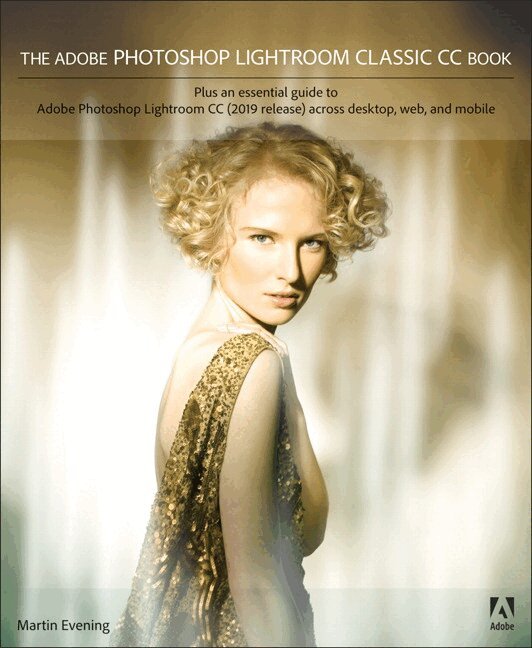
Adobe Photoshop Lightroom Classic CC is one of the most powerful tools a digital photographer has in their toolset, offering powerful editing features in streamlined interface that lets photographers import, sort, and organize images. In this completely updated bestseller, author Martin Evening describes Lightroom Classic CC features in detail, covering library organization, develop image processing, output modules, and an introduction to the features in the new Adobe Photoshop Lightroom CC across desktop, web, and mobile. As an established commercial and landscape photographer, Martin knows first-hand what photographers need for an efficient work flow. He has been working with Lightroom from the beginning, and as a result, knows the software inside and out. In this book, he’ll teach you how to:
Work efficiently with images shot in raw or non-raw formats Import photographs with ease and sort them according to your workflow Create and manage a personal image and video library Integrate Lightroom with Adobe Photoshop Prepare images for print, slideshows, or to create a book Make the most of new features, such as the ability to migrate and sync photos via the cloud Photographers will find Lightroom Classic CC—and The Adobe Photoshop Lightroom Classic CC Book—indispensable tools in their digital darkrooms.
429 kr
Skickas inom 10-15 vardagar
Learn Adobe Photoshop CC and Lightroom CC from the ground up, and develop your specific workflow for making great images. Start by importing and organizing your images into collections that make sense for you. Develop your pictures to make the most out of every pixel. Learn how Photoshop can take your vision further by using tools that enhance your work in Lightroom. Finally, you’ll learn how Lightroom and Photoshop work hand in hand to give you the most powerful creative tools for your digital photography.
The fastest, easiest, most comprehensive way to learn Adobe Photoshop Lightroom in conjunction with Adobe Photoshop.
Classroom in a Book, the best-selling series of hands-on software training workbooks, offers what no other book or training program does–an official training series from Adobe, developed with the support of Adobe product experts. Adobe Photoshop CC and Lightroom CC for Photographers Classroom in a Book contains 11 lessons that cover the basics and beyond, from sorting your photos and adjusting tone and color to creating an HDR panorama and turning your photo into an oil painting. You can follow the book from start to finish or choose only those lessons that interest you.
Purchasing this book includes valuable online extras. Follow the instructions in the book’s “Getting Started” section to unlock access to:
Downloadable lesson files you need to work through the projects in the book (lesson files also provided on DVD-ROM with the print edition of the book) Web Edition containing the complete text of the book, interactive quizzes, videos that walk you through the lessons step by step, and updated material covering new feature releases from AdobeWhat you need to use this book: Adobe Photoshop CC and Adobe Lightroom CC software, for either Windows or macOS. (Software not included.)
Pearson Education
668 kr
Skickas
Learn Adobe Photoshop CC and Lightroom CC from the ground up, and develop your specific workflow for making great images. Start by importing and organizing your images into collections that make sense for you. Develop your pictures to make the most out of every pixel. Learn how Photoshop can take your vision further by using tools that enhance your work in Lightroom. Finally, you’ll learn how Lightroom and Photoshop work hand in hand to give you the most powerful creative tools for your digital photography.
The fastest, easiest, most comprehensive way to learn Adobe Photoshop Lightroom in conjunction with Adobe Photoshop.
Classroom in a Book, the best-selling series of hands-on software training workbooks, offers what no other book or training program does–an official training series from Adobe, developed with the support of Adobe product experts. Adobe Photoshop CC and Lightroom CC for Photographers Classroom in a Book contains 11 lessons that cover the basics and beyond, from sorting your photos and adjusting tone and color to creating an HDR panorama and turning your photo into an oil painting. You can follow the book from start to finish or choose only those lessons that interest you.
Purchasing this book includes valuable online extras. Follow the instructions in the book’s “Getting Started” section to unlock access to:
Downloadable lesson files you need to work through the projects in the book (lesson files also provided on DVD-ROM with the print edition of the book) Web Edition containing the complete text of the book, interactive quizzes, videos that walk you through the lessons step by step, and updated material covering new feature releases from AdobeWhat you need to use this book: Adobe Photoshop CC and Adobe Lightroom CC software, for either Windows or macOS. (Software not included.)
495 kr
Kommande
Adobe Photoshop Classroom in a Book contains 15 lessons that use real-world, project-based learning to cover the basics and beyond, providing countless tips and techniques to help you become more productive with the program. For beginners and experienced users alike, you can follow the book from start to finish or choose only those lessons that interest you. Learn to:
Create and improve images using the professional tools in Adobe Photoshop Easily correct and repair photos Seamlessly remove backgrounds and unwanted object Select subjects with complex outlines, including hair Use Adobe Firefly generative AI to retouch challenging images or to create new images Composite multiple images with graphics and typography Using a timeline, animate graphics and type and combine them with video and audio Automate repetitive tasks Edit camera raw images Export your work for the web, mobile devices, video, and printClassroom in a Book®, the best-selling series of hands-on software training workbooks, offers what no other book or training program does – an official training series from Adobe, developed with the support of Adobe product experts.
Purchasing this book includes valuable online extras. Follow the instructions in the book’s “Getting Started” section to unlock access to:
Downloadable lesson files you need to work through the projects in the book Web Edition containing the complete text of the book, interactive quizzes, and videos that walk you through the lessons step by step420 kr
Skickas inom 10-15 vardagar
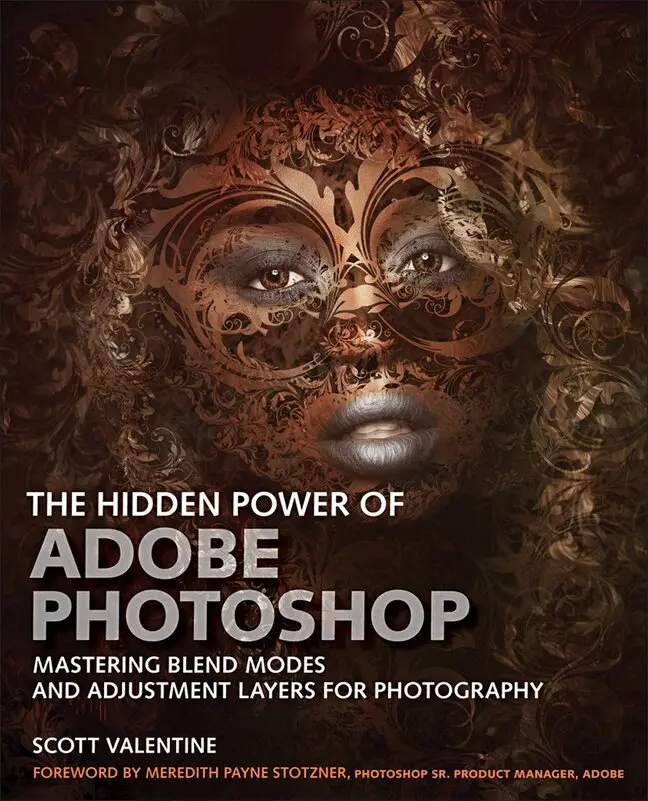
Written for both professionals and hobbyists, this book presents essential techniques and discusses when and how to try innovative solutions. By focusing on two core capabilities blending modes and adjustment layers—you will discover how Photoshop gives you deep control over your images to address some of photography's most challenging problems. Photoshop users of all levels will find clear explanations and step-by-step procedures for expert techniques. Advanced users will enjoy exploring new ideas that can inform their own workflow. Through richly illustrated examples with clear explanations, The Hidden Power of Adobe Photoshop teaches you:
Multiple approaches to problem solving and creative exploration How to see your images as data that you can control Underlying principles that drive industrial-strength techniques Instructions for building your own Photoshop experiment files
429 kr
Skickas inom 10-15 vardagar
The fastest, easiest, most comprehensive way to learn Adobe Photoshop Lightroom Classic!
Classroom in a Book®, the best-selling series of hands-on software training workbooks, offers what no other book or training program does–an official training series from Adobe, developed with the support of Adobe product experts.
Adobe Photoshop Lightroom Classic Classroom in a Book (2020 release) contains 12 lessons that cover the basics and beyond, providing countless tips and techniques to help you become more productive with the program. You can follow the book from start to finish or choose only those lessons that interest you.
Purchase of this book includes valuable online features. Follow the instructions in the book’s Getting Started section to unlock access to:
Downloadable lesson files you need to work through the projects in the book Web Edition containing the complete text of the book, interactive quizzes, and videos that walk you through the lessons step by step
392 kr
Skickas inom 10-15 vardagar
778 kr
Skickas
Learn to correct and improve digital images. Seamlessly remove backgrounds and repair images using content-aware tools. Explore advanced filters that enhance images using machine learning and cloud processing. Select subjects with complex outlines, including hair, quickly and precisely. Design composite images, including instant sky replacement. Create advanced typography. Edit video, including transitions and motion effects. Automate tasks with actions. Save as a Photoshop cloud document to easily edit across desktop and mobile devices. Export your work for web, mobile devices, and print.
The fastest, easiest, most comprehensive way to learn Adobe Photoshop
Classroom in a Book®, the best-selling series of hands-on software training workbooks, offers what no other book or training program does—an official training series from Adobe, developed with the support of Adobe product experts.
Adobe Photoshop Classroom in a Book (2022 release) contains 15 lessons that cover the basics and beyond, providing countless tips and techniques to help you become more productive with the program. You can follow the book from start to finish or choose only those lessons that interest you.
Purchasing this book includes valuable online extras. Follow the instructions in the book's "Getting Started" section to unlock access to:
Downloadable lesson files you need to work through the projects in the book Web Edition containing the complete text of the book, interactive quizzes, and videos that walk you through the lessons step by stepWhat you need to use this book: Adobe Photoshop (2022 release) software, for either Windows or macOS. (Software not included.)
Note: Classroom in a Book does not replace the documentation, support, updates, or any other benefits of being a registered owner of Adobe Photoshop software. This book covers Photoshop on desktop only. It does not address Photoshop on the iPad.
727 kr
Skickas
Manage your photography workflow using Adobe Photoshop
Adobe Photoshop Lightroom Classic Classroom in a Book (2023 release) uses real-world, project-based learning to cover the basics and beyond, providing countless tips and techniques to help you become more productive with the program. For beginners and experienced users alike, you can follow the book from start to finish or choose only those lessons that interest you. Learn to:
Use proven methods to keep your photography archive organized and make hours of editing turn into minutes Leverage tools in each module to reduce the amount of time you spend working on images Take advantage of ground-breaking changes to AI-based masking to select skies, subjects, color ranges, and tones Experiment with color grading tools to pull the best out of all of the elements in your imagesCreate stylish books and print layouts, dynamic slideshows, and interactive web galleries to showcase your images Access collections and presets on your desktop, mobile device, or on the webClassroom in a Book®, the best-selling series of hands-on software training workbooks, offers what no other book or training program does—an official training series from Adobe, developed with the support of Adobe product experts.
Purchasing this book includes valuable online extras. Follow the instructions in the book's "Getting Started" section to unlock access to:
Downloadable lesson files you need to work through the projects in the book Web Edition containing the complete text of the book, interactive quizzes, and videos that walk you through the lessons step by stepWhat you need to use this book: Adobe Photoshop Lightroom Classic (2023 release) software, for either Windows or macOS. (Software not included.)
Note: Classroom in a Book does not replace the documentation, support, updates, or any other benefits of being a registered owner of Adobe Photoshop Lightroom Classic software.
850 kr
Skickas
Lightroom and Photoshop are integral parts of a photographer's workflow for making great images. Start by importing and organizing your images into collections that make sense for you. Develop your pictures to make the most out of every pixel. Learn how Photoshop and Lightroom's new AI based tools can take your vision further faster. Learn the strengths of each program at each part of your workflow to help you realize your creative vision in no time at all.
The fastest, easiest, most comprehensive way to learn Adobe Photoshop Lightroom Classic in conjunction with Adobe Photoshop.
Classroom in a Book®, the best-selling series of hands-on software training workbooks, offers what no other book or training program does—an official training series from Adobe, developed with the support of Adobe product experts.
Adobe Photoshop and Lightroom Classic for Photographers Classroom in a Book contains 11 lessons that cover the basics and beyond, from sorting your photos and adjusting tone and color to leveraging AI-based masking and neural filters. You can follow the book from start to finish or choose only those lessons that interest you.
Purchasing this book includes valuable online extras. Follow the instructions in the book's "Getting Started" section to unlock access to:
Downloadable lesson files you need to work through the projects in the book Web Edition containing the complete text of the book, interactive quizzes, and videos that walk you through the lessons step by stepWhat you need to use this book: Adobe Photoshop and Adobe Lightroom Classic software, for either Windows or macOS. (Software not included.)
Note: Classroom in a Book does not replace the documentation, support, updates, or any other benefits of being a registered owner of Adobe Photoshop or Lightroom Classic software.
289 kr
Skickas inom 10-15 vardagar
Adobe Photoshop Elements Advanced Editing Techniques and Tricks: The Essential Guide to Going Beyond Guided Edits is a must for those who want to go beyond automated features and Guided Edits and delve into the many advanced techniques that are possible using Adobe Photoshop Elements.
LEARN HOW TO
Perfect editing portrait images by performing techniques such as skin tone correction, frequency separations, skin smoothing, and enhancing facial features Properly edit and enhance a subject's eyes, lips, eyebrows, and facial lighting Apply advanced photo compositing techniques, utilizing rules for controlling perspective Use color grading techniques similar to those used by professional motion picture film editors Delve into advanced tools not included in Photoshop Elements such as curves, color range, selective color, working with color LUTs, and moreWith detailed step-by-step instructions, this book is targeted to intermediate and advanced users who want to take their photography to the next level. Additional tips using Photoshop Elements can be found on Ted's YouTube channel at www.YouTube/tedpadova.
690 kr
Skickas inom 3-6 vardagar
Learn to create and edit images using Adobe Photoshop
Adobe Photoshop Classroom in a Book (2023 release) uses real-world, project-based learning to cover the basics and beyond, providing countless tips and techniques to help you become more productive with the program. For beginners and experienced users alike, you can follow the book from start to finish or choose only those lessons that interest you. Learn to:
Correct and improve digital images Seamlessly remove backgrounds, repair images, and replace skies Explore advanced filters that use machine learning and cloud processing Select subjects with complex outlines, including hair, quickly and precisely Composite multiple images and combine with typography Edit video, including transitions and motion effects Edit camera raw images Automate tasks Save as a Photoshop cloud document to easily edit across desktop and mobile devices Export your work for web, mobile devices, and printClassroom in a Book®, the best-selling series of hands-on software training workbooks, offers what no other book or training program does—an official training series from Adobe, developed with the support of Adobe product experts.
Purchasing this book includes valuable online extras. Follow the instructions in the book's "Getting Started" section to unlock access to:
Downloadable lesson files you need to work through the projects in the book Web Edition containing the complete text of the book, interactive quizzes, and videos that walk you through the lessons step by stepWhat you need to use this book: Adobe Photoshop (2023 release) software, for either Windows or macOS. (Software not included.)
Note: Classroom in a Book does not replace the documentation, support, updates, or any other benefits of being a registered owner of Adobe Photoshop software. This book covers Photoshop on desktop only. It does not address Photoshop on the iPad.
727 kr
Skickas inom 11-20 vardagar
The fastest, easiest, most comprehensive way to learn Adobe Photoshop Lightroom Classic
Classroom in a Book®, the best-selling series of hands-on software training workbooks, offers what no other book or training program does-an official training series from Adobe, developed with the support of Adobe product experts.
Adobe Photoshop Lightroom Classic Classroom in a Book contains lessons that cover the basics and beyond, providing countless tips and techniques to help you become more productive with the program. You can follow the book from start to finish or choose only those lessons that interest you. When you're looking for inspiration you can peruse the Artist Spotlights sections, which highlight industry leaders and their work.
Purchasing this book includes valuable online extras. Follow the instructions in the book's "Getting Started" section to unlock access to:
Downloadable lesson files you need to work through the projects in the book Web Edition containing the complete text of the book, interactive quizzes, and videos that walk you through the lessons step by stepWhat you need to use this book: Adobe Photoshop Lightroom Classic software, for either Windows or macOS. (Software not included.)
Note: Classroom in a Book does not replace the documentation, support, updates, or any other benefits of being a registered owner of Adobe Photoshop Lightroom Classic software.
495 kr
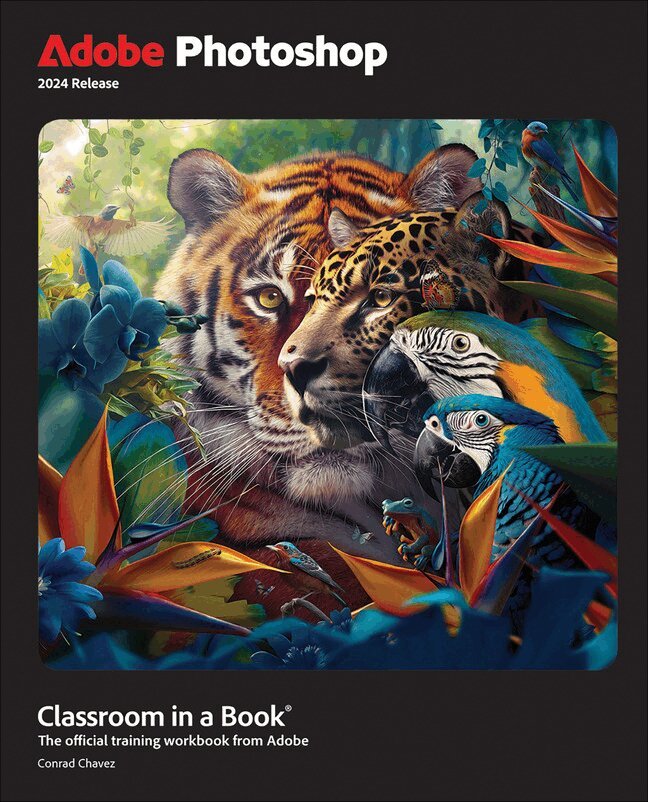
The fastest, easiest, most comprehensive way to learn Adobe Photoshop
Adobe Photoshop Classroom in a Book 2024 Release contains 15 lessons that use real-world, project-based learning to cover the basics and beyond, providing countless tips and techniques to help you become more productive with the program. For beginners and experienced users alike, you can follow the book from start to finish or choose only those lessons that interest you. Learn to:
Create and improve digital images with AI-powered tools including Generative Fill. Seamlessly remove backgrounds, replace skies, and repair photos Select subjects with complex outlines, including hair, quickly and precisely Composite multiple images and typography Animate video, still, and type layers and export as a video Edit camera raw images Automate repetitive tasks Save as a Photoshop cloud document to easily edit across desktop and mobile devices Export your work for web, mobile devices, and printClassroom in a Book®, the best-selling series of hands-on software training workbooks, offers what no other book or training program does—an official training series from Adobe, developed with the support of Adobe product experts.
Purchasing this book includes valuable online extras. Follow the instructions in the book's "Getting Started" section to unlock access to:
Downloadable lesson files you need to work through the projects in the book Web Edition containing the complete text of the book, interactive quizzes, and videos that walk you through the lessons step by stepWhat you need to use this book: Adobe Photoshop (2024 release) software, for either Windows or macOS. (Software not included.)
818 kr
Läs direkt efter köp
The fastest, easiest, most comprehensive way to learn Adobe Photoshop
Adobe Photoshop Classroom in a Book 2024 Release contains 15 lessons that use real-world, project-based learning to cover the basics and beyond, providing countless tips and techniques to help you become more productive with the program. For beginners and experienced users alike, you can follow the book from start to finish or choose only those lessons that interest you. Learn to:
Create and improve digital images with AI-powered tools including Generative Fill. Seamlessly remove backgrounds, replace skies, and repair photos Select subjects with complex outlines, including hair, quickly and precisely Composite multiple images and typography Animate video, still, and type layers and export as a video Edit camera raw images Automate repetitive tasks Save as a Photoshop cloud document to easily edit across desktop and mobile devices Export your work for web, mobile devices, and printClassroom in a Book®, the best-selling series of hands-on software training workbooks, offers what no other book or training program does—an official training series from Adobe, developed with the support of Adobe product experts.
Purchasing this book includes valuable online extras. Follow the instructions in the book''s "Getting Started" section to unlock access to:
Downloadable lesson files you need to work through the projects in the book Web Edition containing the complete text of the book, interactive quizzes, and videos that walk you through the lessons step by stepWhat you need to use this book: Adobe Photoshop (2024 release) software, for either Windows or macOS. (Software not included.)
532 kr
Skickas inom 10-15 vardagar
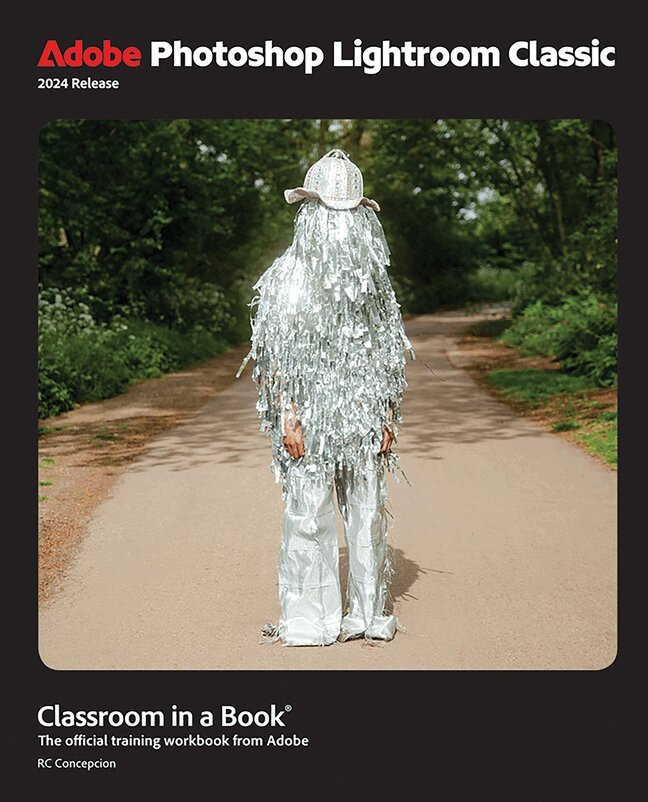
The fastest, easiest, most comprehensive way to learn Adobe Photoshop Lightroom Classic
Adobe Photoshop Lightroom Classic Classroom in a Book 2024 Release contains 11 lessons that use real-world, project-based learning to cover the basics and beyond, providing countless tips and techniques to help you become more productive with the program. You can follow the book from start to finish or choose only those lessons that interest you. Learn to:
Use proven methods to organize your photography Leverage tools in each module to reduce the amount of time you spend working on images Use AI-based masking and the new Lens Blur panel to quickly change your depth of field Make precise color changes with Point Color to pull the best out of all the elements in your images Showcase your images with stylish books and print layouts, dynamic slideshows, and interactive web galleries Access collections and presets on your desktop, mobile device, or on the webClassroom in a Book®, the best-selling series of hands-on software training workbooks, offers what no other book or training program does—an official training series from Adobe, developed with the support of Adobe product experts.
Purchasing this book includes valuable online extras. Follow the instructions in the books "Getting Started" section to unlock access to:
Downloadable lesson files you need to work through the projects in the book Web Edition containing the complete text of the book, interactive quizzes, and videos that walk you through the lessons step by stepWhat you need to use this book: Adobe Photoshop Lightroom Classic 2024 Release software, for either Windows or macOS. (Software not included.)
722 kr
Skickas inom 10-15 vardagar