754 kr
Tillfälligt slut
754 kr
Tillfälligt slut
495 kr
Skickas inom 10-15 vardagar
The fastest, easiest, most comprehensive way to learn Adobe Lightroom Classic
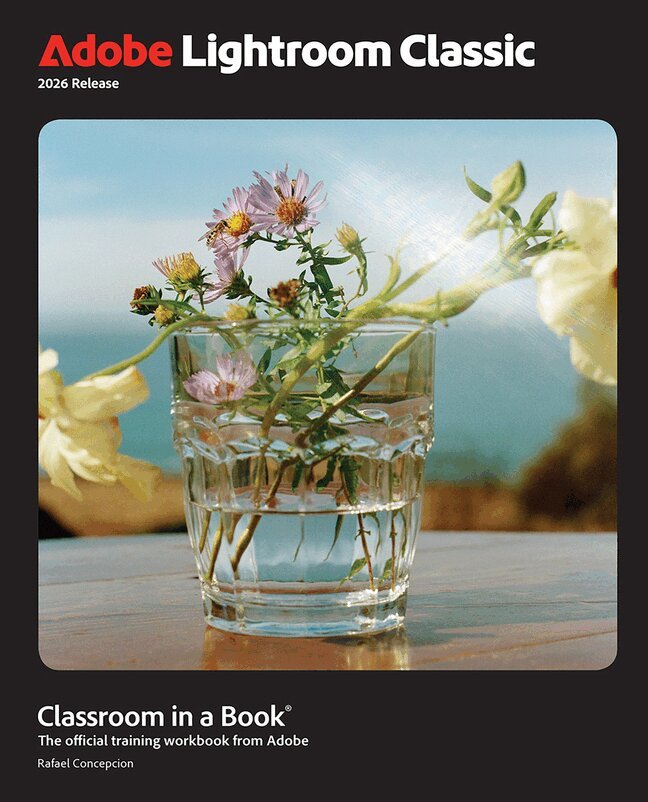
Adobe Lightroom Classic Classroom in a Book 2026 Release contains 12 lessons that use real-world, project-based learning to cover the basics and beyond, providing countless tips and techniques to help you become more productive with the program. You can follow the book from start to finish or choose only those lessons that interest you. Learn to:
Move through hundreds of frames in minutes with Assisted Culling, AI Reject criteria, and one-click stacking Recover detail in high ISO shots with AI Denoise and Raw Details Start smarter with Adaptive Color profiles tuned for modern sensors Access your collections, presets, and AI masks from wherever you happen to be—on desktop, mobile, or web Sync only the looks you need with Subsets and AI mask syncing Fine-tune skin tones, foliage, and skies with Point Color and the redesigned Color Mixer panel
Classroom in a Book®, the best-selling series of hands-on software training workbooks, offers what no other book or training program does: an official training series from Adobe, developed with the support of Adobe product experts.
Purchasing this book includes valuable online extras. Follow the instructions in the book’s "Getting Started" section to unlock access to:
Downloadable lesson files you need to work through the projects in the book Web Edition containing the complete text of the book, interactive quizzes, and videos that walk you through the lessons step by stepWhat you need to use this book: Adobe Lightroom Classic 2026 Release software, for either Windows or macOS. (Software not included.)
556 kr
Skickas
646 kr
Skickas inom 10-15 vardagar
428 kr
Skickas inom 7-10 vardagar
556 kr
Skickas
270 kr
Skickas inom 7-10 vardagar
815 kr
Skickas inom 7-10 vardagar
Pearson Education
891 kr
Skickas
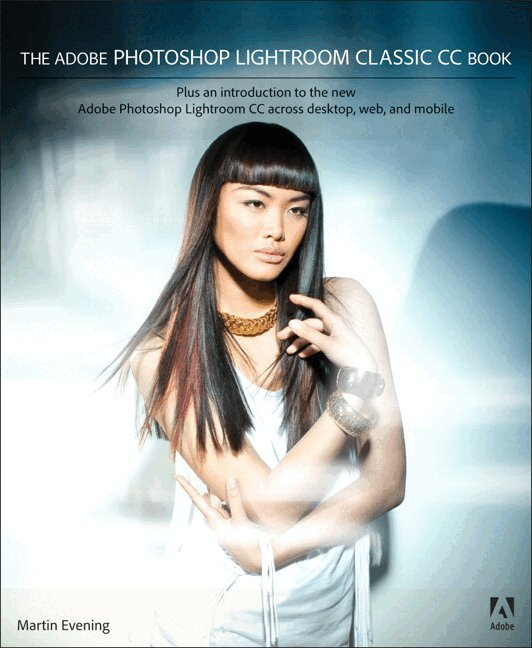
Adobe Photoshop Lightroom Classic CC is one of the most powerful tools a digital photographer has in their toolset, offering powerful editing features in a streamlined interface that lets photographers import, sort, and organize images. In this completely updated bestseller, author Martin Evening describes Lightroom Classic CC features in detail, covering library organization, develop image processing, output modules, and the latest Lightroom CC/mobile features. As an established commercial and landscape photographer, Martin knows firsthand what photographers need for an efficient workflow. He has been working with Lightroom from the beginning, and as a result, knows the software inside and out. In this book, he’ll teach you how to:
· Work efficiently with images shot in raw or JPEG formats · Import photographs with ease and sort them according to your workflow · Create and manage a personal image and video library · Integrate Lightroom with Adobe Photoshop · Prepare images for print, slideshows, or to create a book · Make the most of new features, such as the ability to migrate and sync photos via the cloud
Photographers will find Lightroom Classic CC–and The Adobe Photoshop Lightroom Classic CC Book–indispensable tools in their digital darkrooms.
“With Martin’s expert guidance, you’ll soon find that you have precisely the tools you need to turn your concentration back where it belongs—on making better pictures!”
—George Jardine, digital photography consultant
“As a photographer himself, Martin Evening knows what tools photographers need to realize their creative vision. In this book, he shows not only how Adobe Photoshop Lightroom works but also why it will become an essential part of any photographer’s workflow.”
—Greg Gorman, photographer
453 kr
Skickas inom 7-10 vardagar
346 kr
Skickas inom 7-10 vardagar
635 kr
Skickas inom 7-10 vardagar
468 kr
Skickas inom 7-10 vardagar
301 kr
Skickas
848 kr
Skickas inom 7-10 vardagar
348 kr
Skickas inom 7-10 vardagar
309 kr
Skickas inom 7-10 vardagar
400 kr
Skickas inom 7-10 vardagar
136 kr
Läs direkt efter köp
79 kr
Läs direkt efter köp
462 kr
Skickas inom 3-6 vardagar
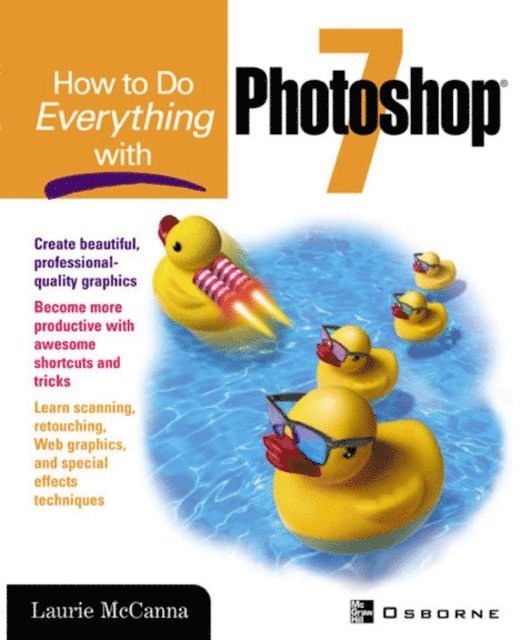
Master Adobe Photoshop CS4
Filled with full-color examples, this hands-on guide explains how to use the latest release of the industry standard program for graphics professionals. How to Do Everything: Adobe Photoshop CS4 takes you step-by-step through the process of bringing your creative concepts to completion. Real-world examples reveal how cutting-edge design techniques are achieved. With this book, you'll learn how to use all the program's tools and settings to create and edit compelling images for print, the Web, and animation.
Manage and customize the interface Create, manage, and blend layers and apply layer stylesWork with color, brushes, painting tools, gradients, and vector shapesPick pixels with selectionsEdit, repair, and enhance images and Camera Raw filesTransform objects without degrading image qualityCreate and format textUse the 3D and video features of Photoshop ExtendedApply special effects with filters, warping, and texturesOptimize your work for print, the Web, and mobile devicesSave time using automation tools369 kr
Läs direkt efter köp
294 kr
Skickas inom 7-10 vardagar
518 kr
Skickas inom 7-10 vardagar
220 kr
Skickas inom 7-10 vardagar
369 kr
Läs direkt efter köp
602 kr
Läs direkt efter köp
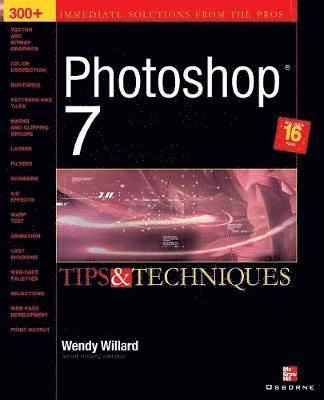
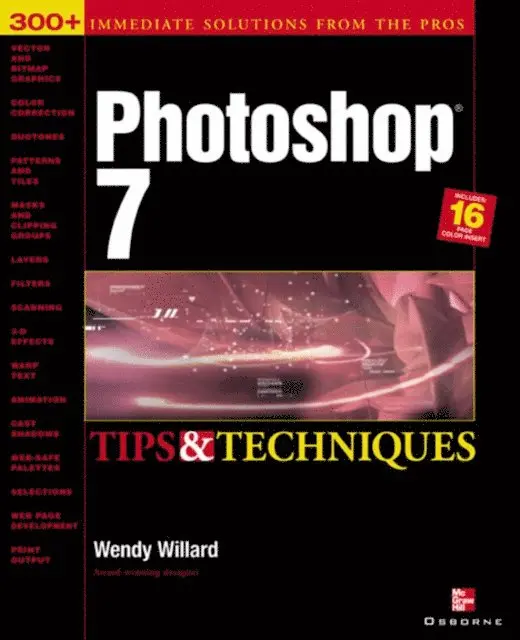
300+ Immediate Solutions from the Pros
Improve your use of Photoshop in Web and print design. Prepare and plan for Web page development and print output, then skillfully apply the latest design and production techniques. Perform simple adjustments as well as complex tasks--optimize photographic imagery, build animation, add rollovers, adjust images to achieve perfect skin tones and transparent drop shadows, make appropriate color adjustments, create duotones, and more. Geared toward designers of all levels looking for exciting visual solutions, Photoshop 7 Tips & Techniques demystifies the complicated but enormously powerful features of Photoshop.
Inside:
Precise, proven techniques--professional-level advice from industry expertsChapter-by-chapter subject indexes--make critical information easier to accessFocused information--straightforward explanations for experienced programmers"Use-It" icons--each tip includes instructions for immediate implementationMust-have information--quick and concise solutions that work294 kr
Skickas inom 7-10 vardagar
435 kr
Skickas inom 3-6 vardagar
Publisher's Note: Products purchased from Third Party sellers are not guaranteed by the publisher for quality, authenticity, or access to any online entitlements included with the product.
Edit, organize, and show off your photos using Photoshop Elements 4.0 and the expert tips in this full-color guide. You’ll learn to customize the program to suit your preferences, and then get started retouching, repairing, and enhancing digital images in no time. Step-by-step examples show you how to crop images, fix color, focus, and exposure problems, eliminate defects, manipulate images, add special effects, and much more. You’ll also get tips for getting high-quality prints and creating a Web gallery.
917 kr
Läs direkt efter köp